The AI Video Automation Tool That Posts Content for You Every Day
Set it up once and your content posts itself every day. This AI video automation tool writes scripts, generates voiceovers, creates visuals, renders videos, and auto-posts to TikTok, YouTube, Instagram & Facebook while you sleep. Your first video is free.
What is an AI Video Automation Tool?
An AI video automation tool is software that replaces your entire content team. It writes scripts, generates voiceovers, creates images, adds music and sound effects, renders the final video, and posts it directly to your social media accounts. You configure it once, set a schedule, and the tool runs every single day without you doing anything. It's like hiring a scriptwriter, voice actor, designer, editor, and social media manager, except it costs a fraction of the price and never takes a day off.
The difference between a basic AI video generator and a true automation tool is the "auto" part. Plenty of tools can make a video. But how many can write the script, produce the video, and then post it to TikTok, YouTube, Instagram, and Facebook for you on a daily schedule? That's what separates an automation tool from everything else. Learn more about the broader landscape in our AI video automation guide.
With AutoClips, you get three video types to choose from: Character Explainer videos (50 credits, ~$0.25), Faceless videos (100 credits, ~$0.50), and 3D Animation videos (700 credits, ~$3.50). Each type is fully automated from creation to posting. Pick the one that fits your niche and the tool handles everything else.
What Makes a Great AI Video Automation Tool
Not all tools are created equal. Here's what actually matters.
True Auto-Posting
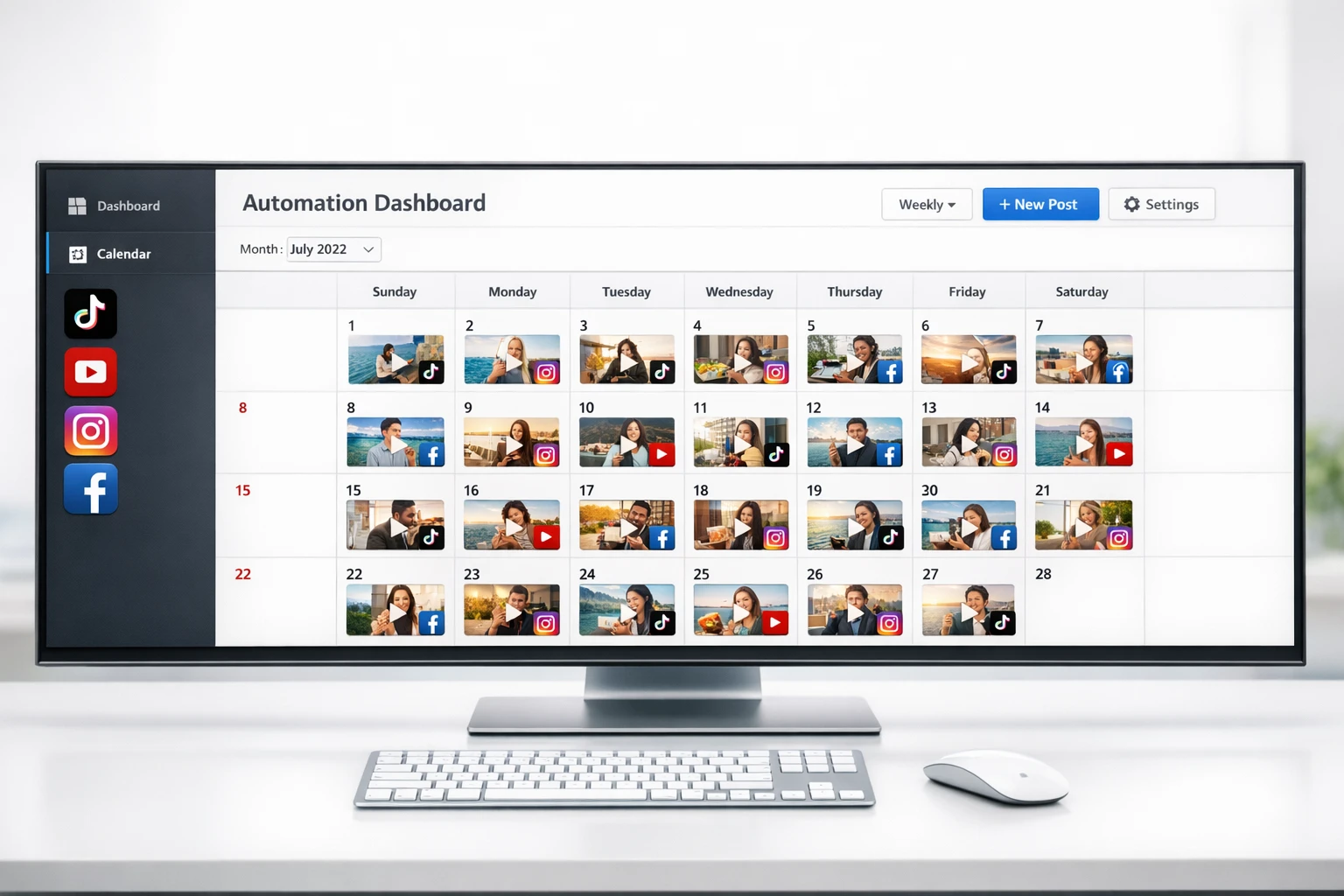
The tool must post videos directly to TikTok, YouTube, Instagram, and Facebook. If you still have to download and upload manually, it's not real automation. AutoClips posts to all 4 platforms with zero manual work.
Full Content Pipeline
Script writing, voiceover, image generation, music, sound effects, captions, and rendering should all happen inside the tool. If you need 5 different apps to make one video, that's not automation, that's a workflow nightmare.
Multiple Video Types
Different niches work better with different styles. Character Explainer for educational content, Faceless for storytelling, 3D Animation for premium visuals. A great tool gives you options, not a one-size-fits-all template.
Daily Scheduling
You should be able to set how many videos per day (1, 2, or 3) and let it run indefinitely. The tool should never need you to come back and hit "go" again. Set the schedule once, and it runs forever.
Brand Integration
Upload your logo, website URL, and product images. The AI should weave your brand into every video naturally using Smart Mix technology. Every video becomes a subtle promo for your business without feeling forced.
Affordable at Scale
Videos should cost cents, not dollars. Character Explainer at ~$0.25, Faceless at ~$0.50, and 3D Animation at ~$3.50. At those prices, posting daily across 4 platforms is genuinely affordable for solo creators and small businesses.
How to Set Up Your AI Video Automation Tool (5 Steps)
From zero to auto-posting in under 10 minutes
Choose Your Video Type & Niche
First, pick the video format that fits your content. Character Explainer videos (~$0.25 each) use animated AI characters and are perfect for educational or motivational content. Faceless videos (~$0.50 each) use AI-generated images with voiceover and work great for storytelling niches. 3D Animation videos (~$3.50 each) deliver premium, cinematic visuals for high-end niches. Then choose your topic: motivation, finance, horror, fun facts, health, tech, or anything you want.
Customize Your Characters & Voice
Select the AI characters that will appear in your videos. Choose voiceover styles that match your brand's tone. If you have a business, upload your logo, website URL, and product images so the AI can naturally integrate your brand into every video using Smart Mix. Your content will promote your business without ever feeling like an ad.
Connect Your Social Platforms
Link your TikTok, YouTube, Instagram, and Facebook accounts. It takes about 30 seconds per platform. Once connected, the tool has permission to post directly to your accounts. No Zapier. No Make.com. No third-party schedulers. Just a direct connection that lets the automation publish videos the moment they're ready.
Set Your Schedule & Goals
How many videos per day? Pick 1, 2, or 3. Then tell the AI your goal. Want more views? More followers? More website traffic? More sales? The AI tailors every video's call-to-action to drive viewers toward your specific goal. Every piece of content works for you, not just for engagement.
Views
Followers
Sales
Traffic
Activate & Let It Run
Hit the button and walk away. The automation runs every day on its own. It writes a fresh script, generates voiceover, creates visuals, adds music and sound effects, renders the video, and posts it to all your connected platforms. You can check in whenever you want, but you don't have to. Wake up tomorrow and your first video will already be live. For more on streamlining your workflow, check out our AI workflow automation guide.
Watch the Tool in Action
See how AutoClips creates and posts videos automatically every day
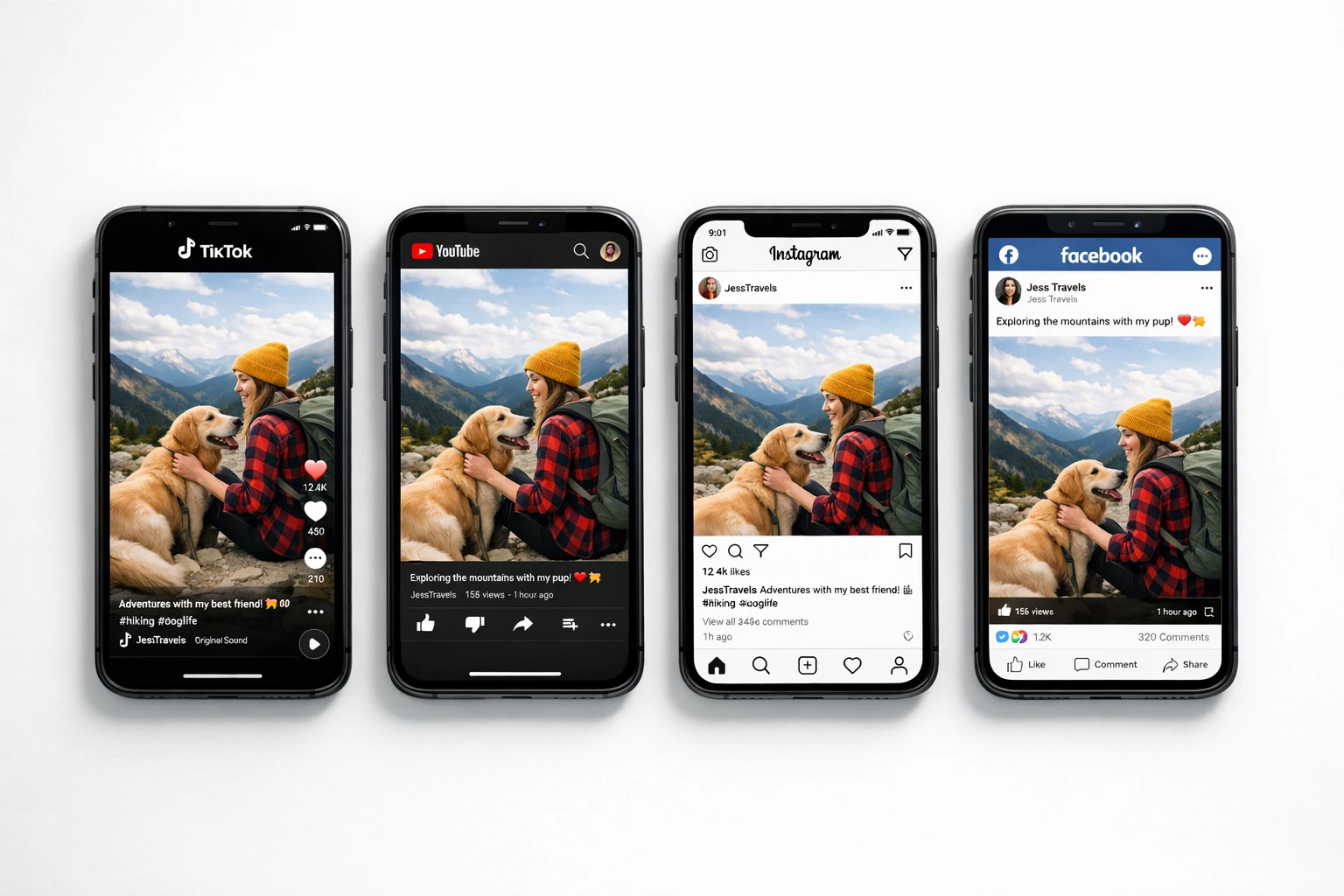
One video, four platforms, zero manual work
Tips for Maximizing Your AI Video Automation Tool
Setting up the tool is easy. Getting the most out of it takes a few smart decisions upfront. Here's how to squeeze every drop of value from your automation.
Start with Character Explainer Videos
At just ~$0.25 per video, Character Explainers are the cheapest way to test niches and build momentum. Run them daily for a week to see which topics get the most traction before scaling up to other video types. Check out our faceless TikTok automation guide for niche ideas.
Post to All 4 Platforms from Day One
Every platform is a separate audience. The same video that flops on TikTok might go viral on YouTube Shorts. By posting to TikTok, YouTube, Instagram, and Facebook simultaneously, you multiply your chances of hitting the algorithm jackpot without any extra effort or cost.
Use Brand Integration If You Sell Anything
If you have a product, service, course, or affiliate offer, set up brand integration immediately. Upload your logo, product images, and website URL. The AI will naturally promote your business in every video using Smart Mix. Every video becomes a free commercial that doesn't feel like one. Read more about automating content creation for business growth.
Give It at Least 30 Days
The algorithm rewards consistency over time. Your first few videos might get 50 views. By day 30, you could be hitting thousands per video. The compound effect of daily posting is real. Don't judge results after 3 days. Let the automation run for a full month and watch the growth curve. For tips on long-term automation strategy, see our AI task automation breakdown.
AutoClips vs AutoShorts.ai vs SendShort AI
How the top AI video automation tools compare
| Feature | AutoClips | AutoShorts.ai | SendShort AI |
|---|---|---|---|
| Full Script-to-Post Automation | Partial | Partial | |
| Auto-Post to TikTok | |||
| Auto-Post to YouTube | ✗ | ||
| Auto-Post to Instagram & Facebook | ✗ | ✗ | |
| Character Explainer Videos | ✗ | ✗ | |
| 3D Animation Videos | ✗ | ✗ | |
| AI Image Generation | ✗ | ✗ | |
| Brand Integration (Smart Mix) | ✗ | ✗ | |
| Custom CTA per Video | ✗ | ✗ | |
| Lowest Cost per Video | ~$0.25 | ~$1.00+ | ~$1.50+ |
SmartShort AI offers basic video generation but lacks the full automation pipeline and multi-platform auto-posting that AutoClips provides.

Consistent daily posting compounds into serious growth over time
Why a Tool Beats Willpower Every Time
Here's the truth that most creators learn the hard way: the algorithm doesn't care how talented you are. It cares how consistent you are. TikTok, YouTube Shorts, and Instagram Reels all favor accounts that post daily. Miss a few days and your reach drops. Go silent for a week and you're basically starting over.
That's why so many creators fail. They start strong, posting every day for two weeks. Then life gets in the way. They burn out. They run out of ideas. And the accounts they worked so hard to build slowly die. An AI video automation tool removes willpower from the equation. The tool doesn't get tired. It doesn't get writer's block. It doesn't take weekends off. It posts every single day, and the algorithm rewards it.
Think about it: 1 video per day to 4 platforms is 120 pieces of content per month. At 500-2,000 views per video, that's 60,000 to 240,000 views every single month. And you didn't lift a finger after the initial 10-minute setup. For more tips on growing with short-form content, the TikTok Creator Portal and the YouTube Creator Academy have excellent free resources.
1/day
Videos posted
30/mo
Videos per month
120/mo
Posts across 4 platforms
$7.50
Monthly cost (Character Explainer)
Frequently Asked Questions
Everything you need to know about AI video automation tools
Set It Up Once. Your Content Posts Itself Every Day.
Stop spending hours creating content. Stop missing days. Stop watching other creators grow while you're stuck editing. Set up your AI video automation tool in 10 minutes and wake up to new followers, views, and sales every single morning. Character Explainer videos start at just ~$0.25 each.
No credit card required • First video free • 10-minute setup