Clone Any Voice You Want For Free.
Looking for the best AI voice generator free tools? Create stunning voiceovers, clone character voices, and turn text into natural-sounding speech without spending a dime. Make videos with built-in AI voices in under 60 seconds.
Hear It for Yourself
Watch how Autoclips creates videos with built-in character voices
What Is an AI Voice Generator Free Tool?
An AI voice generator free tool lets you turn written text into natural-sounding speech using artificial intelligence. Instead of hiring voice actors, recording yourself, or settling for robotic text-to-speech, you get voices that sound like real people talking. And the best part? You do not have to pay anything to get started.
These tools have exploded in popularity because creators realized something powerful: your voice does not have to limit your content. Whether you want to narrate YouTube videos without showing your face, add character voices to animated explainers, or clone a specific voice style for your brand, AI makes it possible in seconds.
The real game-changer is when the AI voice is built directly into the video creation process. That is exactly what Autoclips does with Character Explainer videos. You pick a character voice, type your script, and get a finished video with voiceover, visuals, captions, and music in about 60 seconds. No separate voice tool needed. No audio editing. No syncing. Just done.
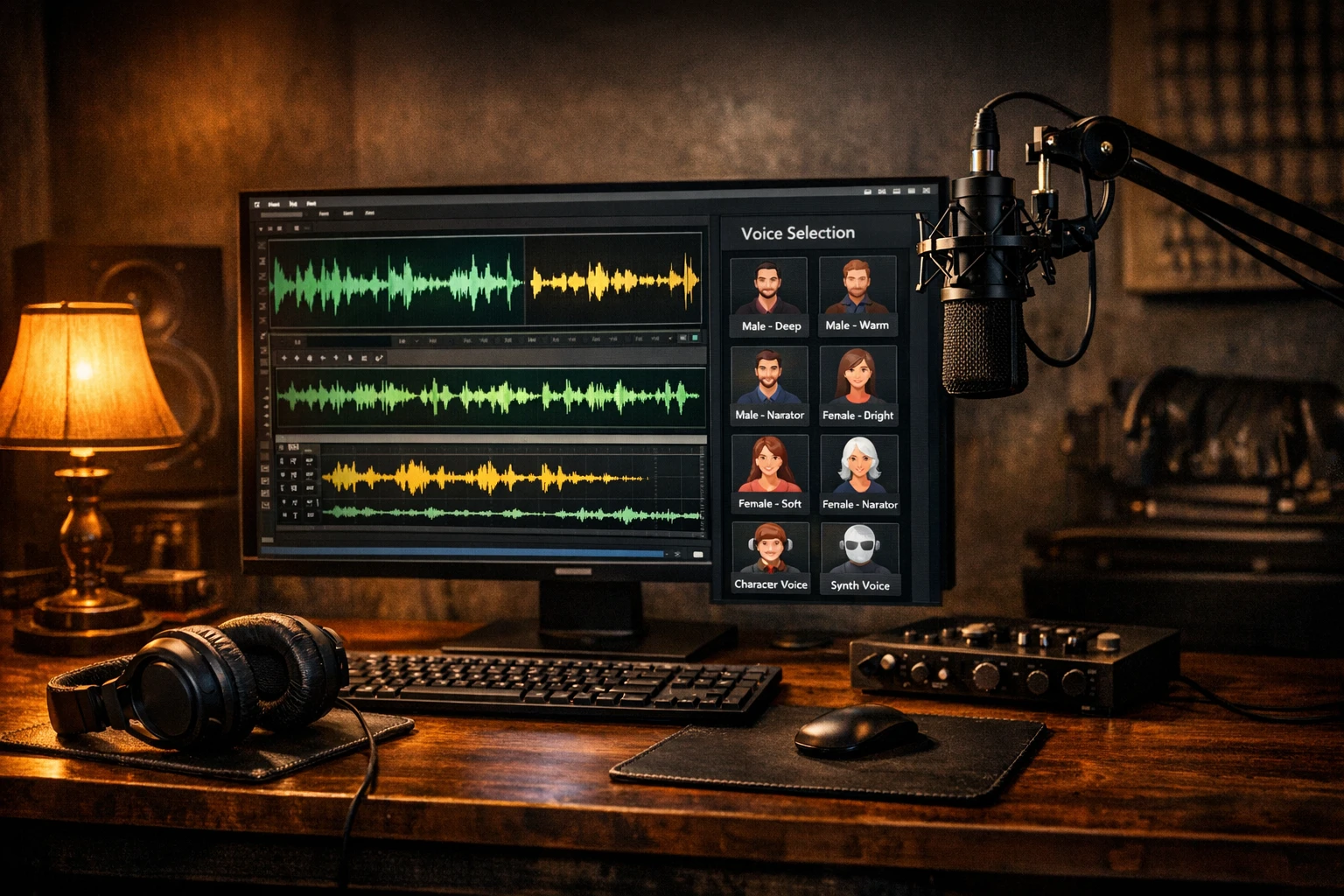
3 Types of AI Voice Generators (and Which One You Need)
Not all voice generators are the same. Here is what sets them apart.
Text-to-Speech (TTS)
The most common type. You paste text and it reads it out loud in a chosen voice. Great for narration, audiobooks, and educational content. Modern TTS sounds remarkably human with natural pauses and inflection.
Voice Cloning
Clone any voice from a short audio sample. The AI learns the voice characteristics and can speak any text in that voice. Perfect for creating a unique channel voice or mimicking character styles.
Character Voices
Pre-built voice styles that sound like specific characters or personality types. Think cartoon characters, dramatic narrators, or quirky personalities. Ideal for viral content and entertainment videos.
How to Use a Free AI Voice Generator (4 Steps)
From text to finished video with voice in under 60 seconds
Sign Up for Free
Create your free Autoclips account. No credit card required. You get free credits to start creating immediately.
Choose Your Voice Style
Pick from dozens of AI voices including character voices, natural narrators, and cloned voice options.
Enter Your Script
Type or paste the text you want spoken. The AI handles pacing, tone, and natural pauses automatically.
Generate Your Video with Voice
Hit generate and get a complete video with your AI voiceover, visuals, captions, and background music in about 60 seconds.
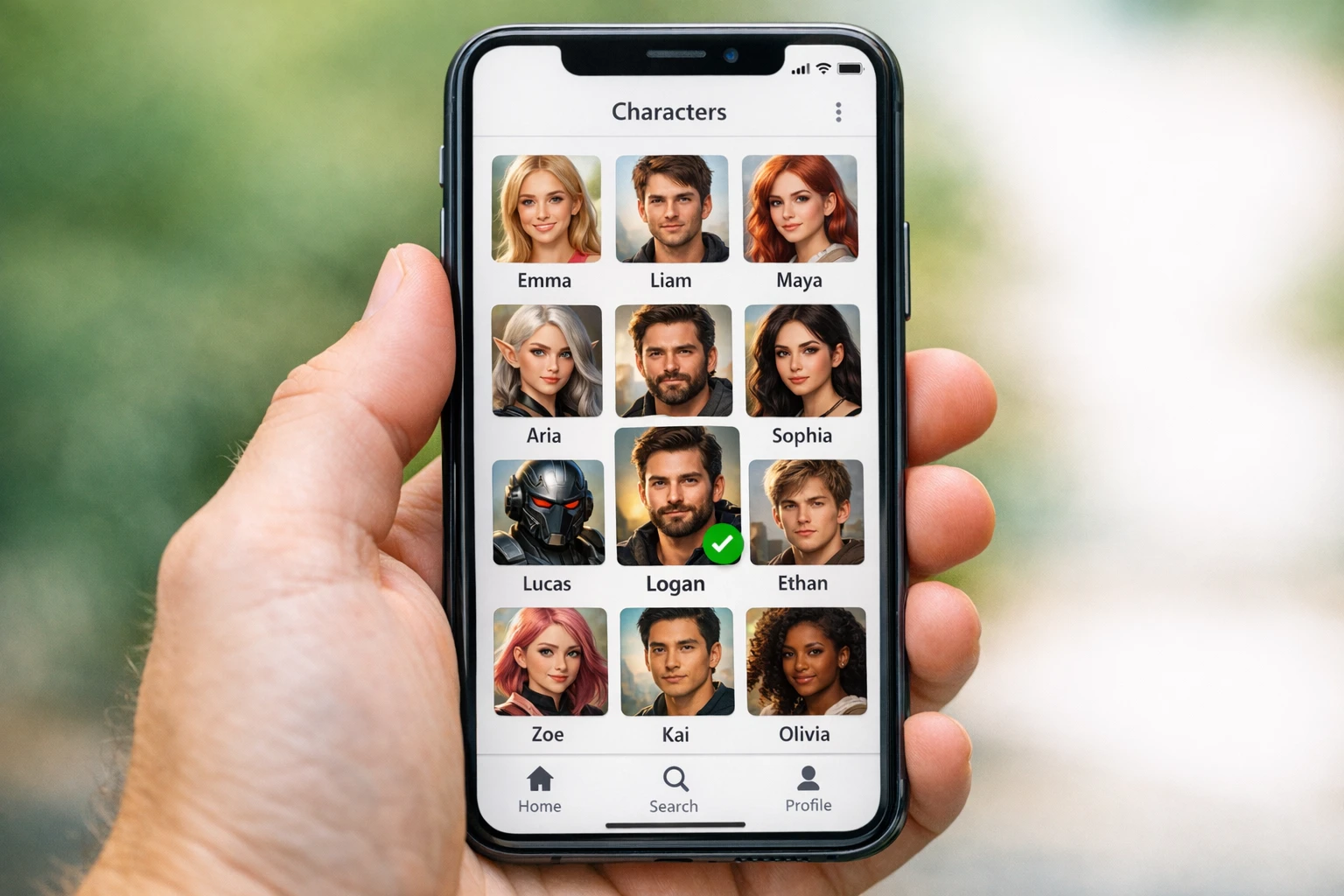
Choose from dozens of character voices and create videos in seconds
Best AI Voice Generator Free Tools in 2026
We tested every major free voice generator. Here are the ones worth your time.
1. Autoclips
Autoclips is not just a voice generator. It is an entire video creation platform with AI voices built right in. When you create a Character Explainer video, you choose from dozens of character voices, type your script, and get a complete video with voiceover, visuals, animated captions, and background music in about 60 seconds.
What makes Autoclips different from standalone voice tools is that you never have to deal with audio files. No exporting WAV files, no importing into editors, no syncing audio to video. The voice is part of the video. For creators who want to make content, not fiddle with audio software, this is the fastest path from idea to published video.
Character Explainer
50 credits (~$0.25)
Faceless Video
100 credits (~$0.50)
3D Animation
700 credits (~$3.50)
Voice Cloning
Included free
2. ElevenLabs Free Tier
ElevenLabs is the gold standard for standalone text-to-speech quality. Their free tier gives you about 10,000 characters per month which is roughly 10 minutes of audio. The voices sound incredibly natural and they support multiple languages. The downside is that the free tier is limited and you only get audio files, not finished videos. You still need to edit, sync, and render everything yourself.
3. NaturalReader
NaturalReader shines when you need to convert documents, PDFs, or web pages into audio. Their free plan includes basic AI voices and unlimited use for personal listening. The voices are decent but not as lifelike as ElevenLabs. It is more of a productivity tool than a creative tool, perfect for listening to articles or study materials.
4. Speechify
Speechify is a polished text-to-speech app with a generous free tier. It works well on mobile and has a smooth interface for listening to articles, emails, and documents on the go. The free version has limited voice options and adds a watermark to exported audio, but for personal listening it is one of the most user-friendly options available.
5. TTSMP3
TTSMP3 is about as simple as it gets. No account needed. Just go to the website, paste your text, pick a voice, and download the MP3. The quality is decent and it supports many languages. It is completely free with no character limits displayed. The voices are not as advanced as ElevenLabs or Autoclips, but for quick and dirty audio it gets the job done.
Free AI Voice Generators Compared
Side-by-side breakdown of what each free tool actually gives you
| Feature | Autoclips | ElevenLabs Free | NaturalReader | Speechify | TTSMP3 |
|---|---|---|---|---|---|
| Text-to-Speech | |||||
| Voice Cloning | Paid Only | ✗ | ✗ | ✗ | |
| Character Voices | ✗ | ✗ | ✗ | ✗ | |
| Complete Video Output | ✗ | ✗ | ✗ | ✗ | |
| Auto Captions & Music | ✗ | ✗ | ✗ | ✗ | |
| No Account Required | ✗ | ✗ | ✗ | ✗ | |
| Commercial Use | Limited | Paid Only | Paid Only | ||
| Best For | Video Creators | Audio Projects | Document Reading | Mobile Listening | Quick MP3s |
Want to hear how different AI voices sound in action? Check out our cartoon voice generator guide.
Why Built-In AI Voices Beat Standalone Tools
Most creators who use free AI voice generators end up stuck in the same frustrating workflow. They generate audio in one tool, import it into a video editor, manually sync it with visuals, add captions by hand, find background music somewhere else, and then spend another hour rendering and exporting. By the time the video is done, three hours have passed and they have made one piece of content.
With Autoclips, the voice is not a separate step. It is woven into the entire creation process. You pick your character voice, paste your script, and the AI handles everything else: the voiceover, the visuals, the animated captions, the transitions, the background music. One click. One minute. One finished video ready to post.
This is especially powerful for character voice videos that go viral on TikTok and YouTube Shorts. Instead of spending time finding a voice cloning tool, recording samples, generating audio, and editing it all together, you just select the voice and let Autoclips do everything. The result looks and sounds professional, and it took you less time than writing a tweet.
The Old Way vs The Autoclips Way:
Standalone Voice Tools
- ✗Generate audio in voice tool
- ✗Download and import into editor
- ✗Find and add visuals manually
- ✗Sync audio, add captions, find music
- ✗Render and export (2-3 hours total)
Autoclips Built-In Voices
- Pick a character voice
- Type or paste your script
- Click generate
- Get finished video with voice, visuals, captions, music
- Done in 60 seconds
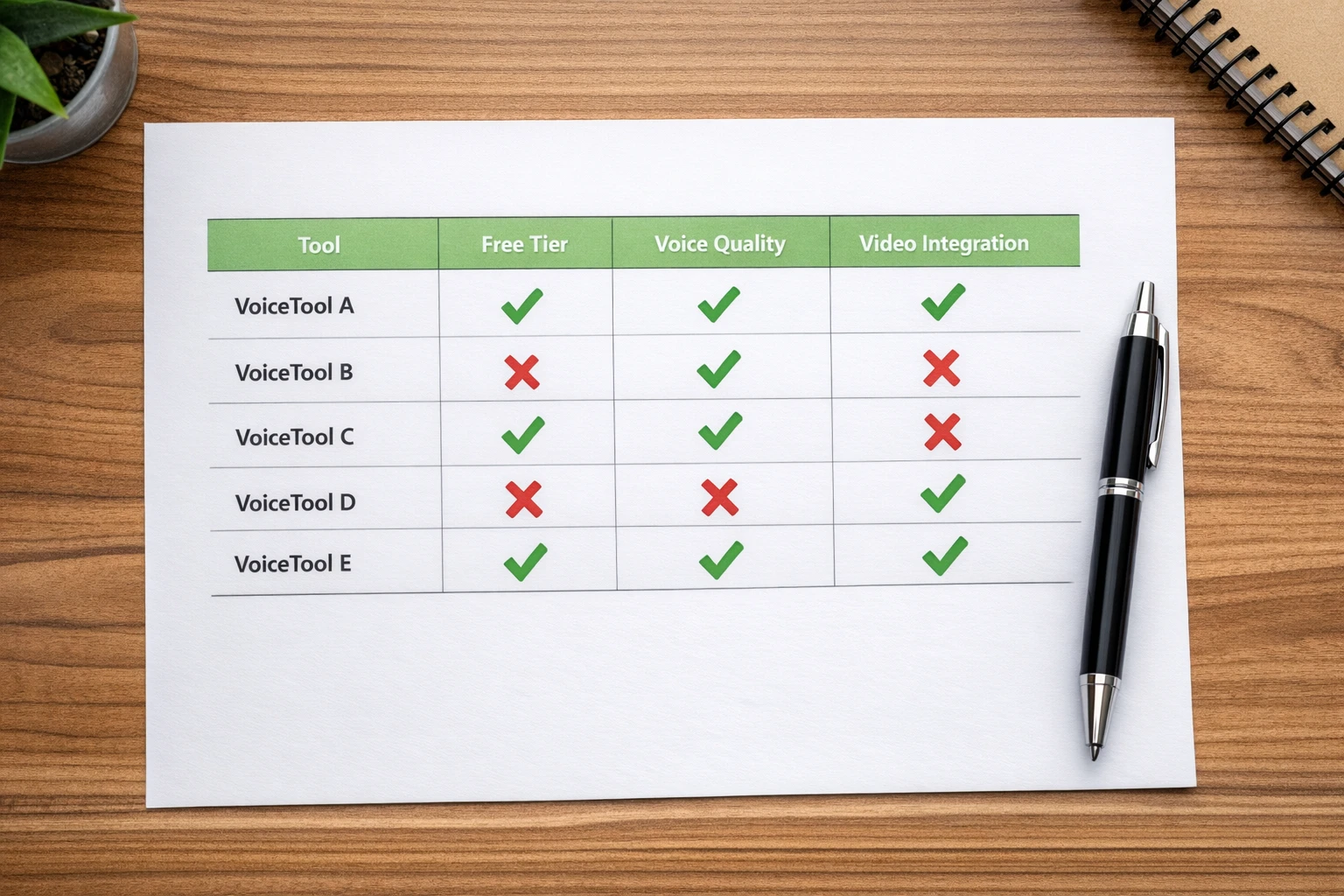
Built-in voices save hours of editing time compared to standalone tools
Voice Cloning: Create a Voice That Is Uniquely Yours
Voice cloning is the most exciting frontier in AI voice generation. Instead of picking from a library of pre-made voices, you can create a voice that sounds exactly like a specific person, character, or style. Upload a short audio sample and the AI learns the voice characteristics: the pitch, the rhythm, the tone, the subtle quirks that make a voice recognizable.
For content creators, voice cloning unlocks a superpower. You can build a consistent brand voice for your channel without ever recording yourself. You can create character voices like Stewie Griffin that audiences instantly recognize and love. You can sound like anyone you want and keep that voice consistent across hundreds of videos.
Autoclips includes voice cloning as part of the video creation process. You do not need a separate tool, a separate subscription, or any technical knowledge. Just upload a voice sample when creating your video and the AI does the rest. For a deep dive into how voice cloning works for video content, check out our complete voice cloning guide.
Brand Voice
Create a unique, consistent voice for your entire channel
Character Mimicry
Sound like popular characters that audiences love and share
Multi-Character
Use multiple voices in one video for dialogues and skits
What Creators Are Doing with Free AI Voices
Real use cases from creators who stopped paying for voice actors
Faceless YouTube Channels
Build an entire YouTube channel without ever showing your face or recording your voice. AI voices handle all narration while you focus on content strategy and growing your audience.
TikTok Viral Content
Character voice videos are some of the most shared content on TikTok. A funny character explaining a trending topic can rack up millions of views without you ever appearing on camera.
Product Explainers
Small businesses use AI voices to create product demo videos, ads, and educational content without hiring expensive voice talent. Get professional results at a fraction of the cost.
Educational Content
Teachers, tutors, and course creators use AI voices to narrate lessons, create study materials, and produce educational videos at scale without spending hours in a recording booth.
Podcast Intros & Outros
Generate professional-sounding intros, outros, and ad reads for podcasts. AI voices give you a polished sound that keeps listeners engaged from the first second.
Multi-Language Content
Reach global audiences by creating content in languages you do not speak. AI voices support dozens of languages so you can expand your reach without hiring translators or voice actors.
5 Tips for Getting the Best Results from AI Voices
Write for the Ear, Not the Eye
Your script should sound natural when spoken. Use short sentences. Break up complex ideas. Write the way people actually talk. AI voices perform best with conversational, punchy writing.
Match the Voice to the Content
A funny character voice works great for entertainment. A calm, professional narrator works better for educational content. Do not put a cartoon voice on a serious finance video unless that is your brand.
Use Punctuation to Control Pacing
Periods create natural pauses. Commas create shorter pauses. Exclamation marks add energy. Question marks shift the tone. Use punctuation deliberately to shape how the AI reads your script.
Keep It Under 2 Minutes for Shorts
For TikTok, YouTube Shorts, and Reels, keep your script between 30 and 90 seconds of spoken content. That is roughly 75 to 225 words. Shorter scripts perform better because viewers have short attention spans.
Test Multiple Voices Before Committing
Every voice has a personality. Try the same script with 3-4 different voices and see which one feels right for your content. With Autoclips, switching voices is instant, so experiment freely until you find your sound. Learn more at the TikTok Creator Portal.
How Much Do AI Voices Really Cost?
Spoiler: way less than you think when they are built into your videos
$0.25
Character Explainer Video
(50 credits, voice included)
$0.50
Faceless Video
(100 credits, voice included)
$3.50
3D Animation
(700 credits, voice included)
Compare that to hiring a voice actor ($50-$300 per video) or subscribing to a standalone voice tool ($5-$99/month). With Autoclips, the voice is included in every video you create.
See full pricing details →Frequently Asked Questions
Everything you need to know about free AI voice generators
Stop Searching for Voice Tools. Start Making Videos.
Every minute you spend comparing voice generators is a minute you are not creating content. Autoclips gives you AI voices, character voices, voice cloning, and complete video creation all in one place. Your first video is free. Make it right now.
No credit card required • Free credits included • 50+ voice styles