From Script to Social Media in Five Minutes. Not Five Days.
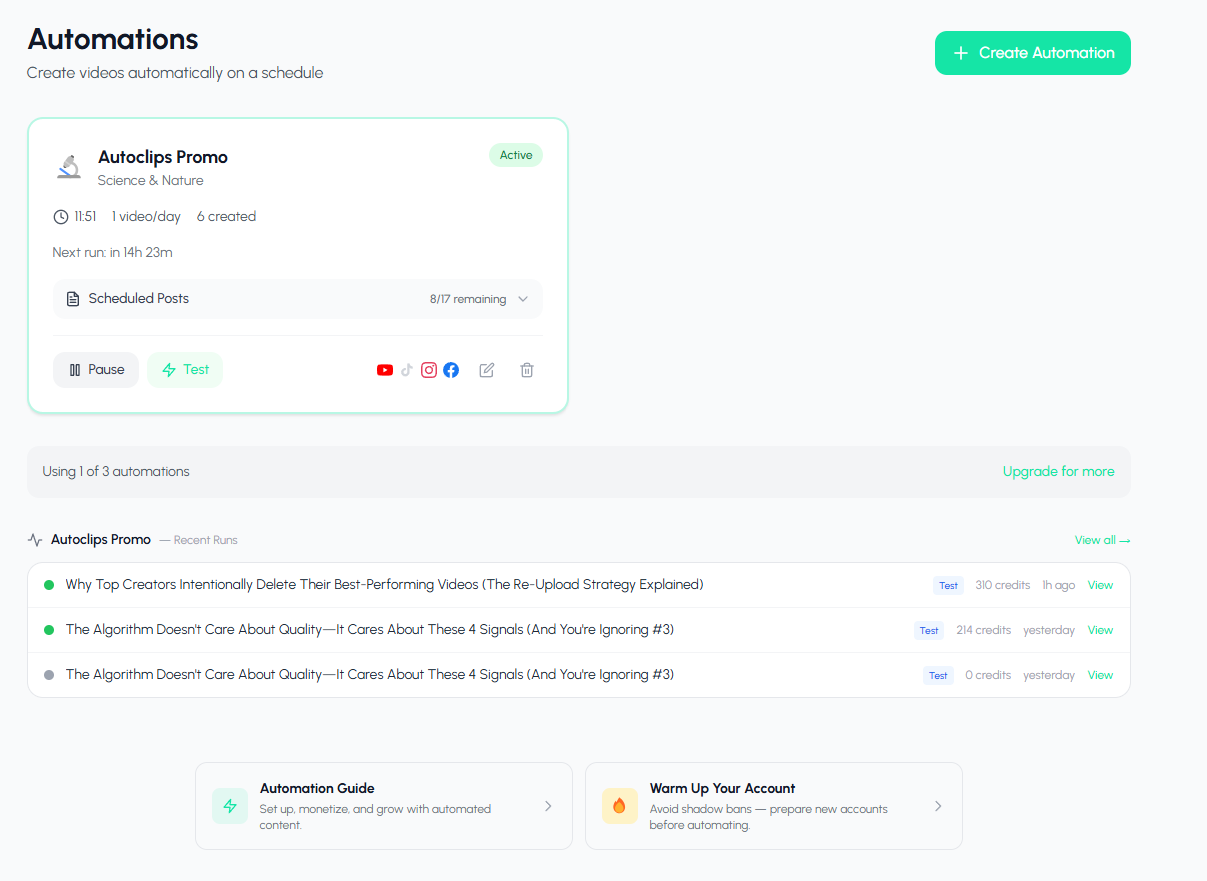
AI workflow automation replaces your entire video marketing pipeline. What used to take your team a week now takes AI five minutes. Topic idea, script, video, edit, captions, post. All on autopilot. Your first video is free.
Watch the Entire Workflow Run
See how AI workflow automation takes a topic and turns it into a posted video in minutes
What is AI Workflow Automation?
You know the feeling. You have a great content idea on Monday morning. By the time you research, write the script, record the voiceover, find images, edit the video, add captions, write a description, pick hashtags, and finally post it, it's Thursday. And you still have four more platforms to upload to. AI workflow automation kills that entire bottleneck. It compresses a week of work into minutes.
Think of it as replacing your entire content production team with a machine that never sleeps, never calls in sick, and never misses a deadline. AutoClips handles every single stage of the video marketing workflow: pulling topics from your pool, generating scripts with hooks that grab attention, creating professional voiceovers, generating or sourcing visuals, rendering the final video, adding animated captions, and publishing directly to YouTube, TikTok, Instagram, and Facebook.
The result? You go from spending 80+ hours per month on content to spending zero. The videos still go out. Your accounts still grow. Your audience still engages. But you get your life back. If you want to dive deeper into the video creation side, check out our AI video automation guide.
The 12-Step Video Marketing Workflow (And Why It Kills Productivity)
Every single video you post goes through the same brutal pipeline. Most creators and businesses don't even realize how many steps are involved until they write them down. Here's what the manual workflow looks like:
Topic Research
Brainstorm ideas, check trends, validate topics
Script Writing
Write a hook, body, and CTA that actually converts
Voiceover Recording
Record or hire someone to narrate the script
Visual Sourcing
Find or create images and b-roll for every scene
Music Selection
Pick background music that fits the mood
Video Editing
Splice everything together in timeline software
Caption Generation
Transcribe and sync animated captions
Thumbnail Creation
Design a click-worthy thumbnail
Export & Format
Render in the right format for each platform
Description & Hashtags
Write SEO-optimized descriptions and tags
Upload to Platforms
Manually upload to each social media account
Schedule & Publish
Set the publish time and hit post on each one
That's 12 steps for one video. Multiply that by daily posting across 4 platforms and you're looking at a full-time job just to keep your content calendar alive. This is the workflow bottleneck that kills productivity for creators, agencies, and businesses alike. And it's exactly why most people give up within a month.
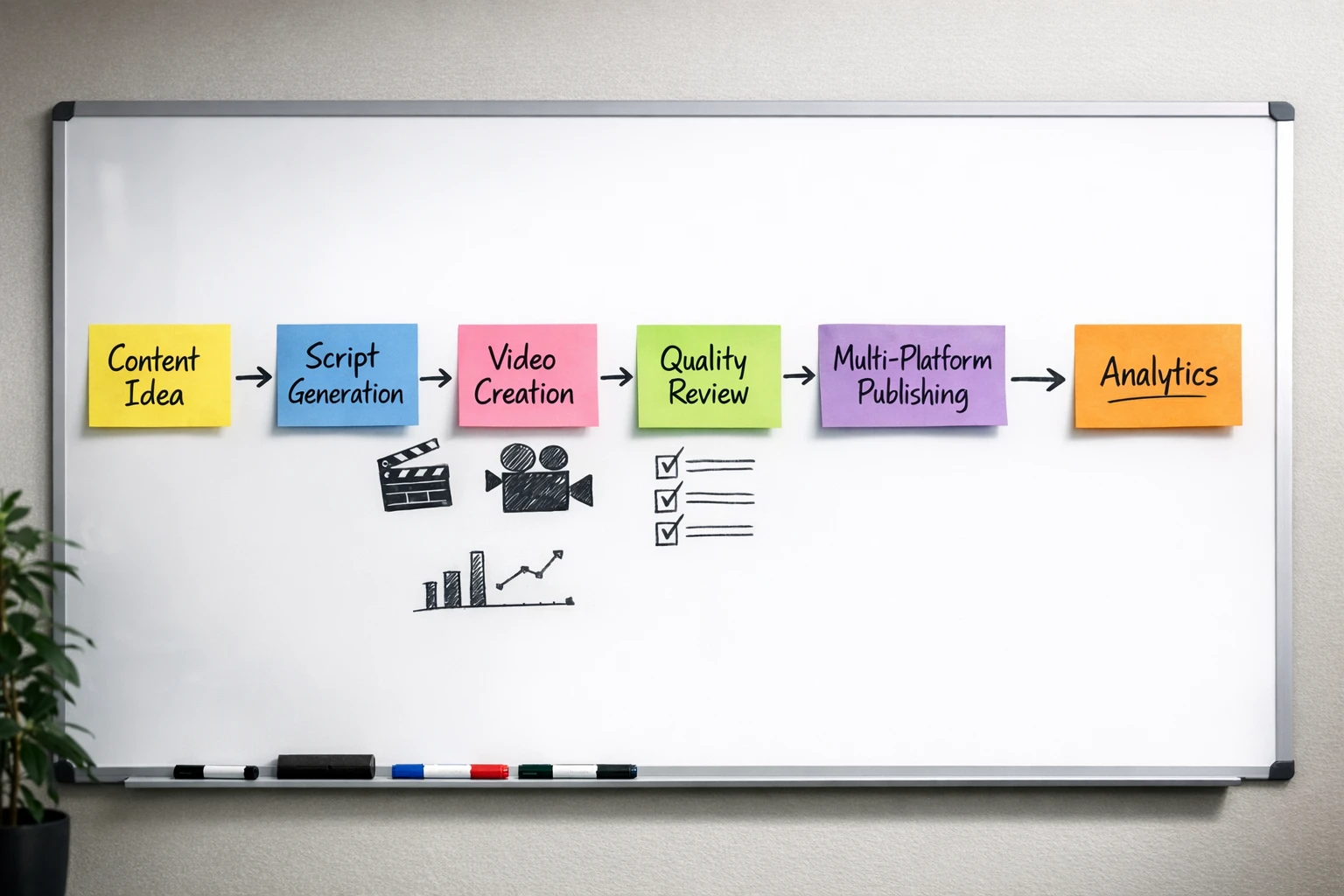
The complete end-to-end workflow, fully automated by AI
Manual Workflow vs AI Workflow Automation
Same result. Wildly different effort.
Manual Workflow
12
Steps
4 hrs
Per Video
Monthly time (daily posting):
120+ hours
AI Automated
3
Steps
5 min
Per Video
Configure Once
Set topic pool, video style, brand, schedule
Connect Platforms
Link YouTube, TikTok, Instagram, Facebook
Activate
AI runs the full pipeline daily, zero effort
Monthly time (daily posting):
0 hours
Inside the AutoClips AI Workflow Automation Pipeline
Here's exactly what happens when your automation runs every day
Stage 1: Topic Pools
You fill a topic pool with subjects, angles, and ideas you want your channel to cover. The AI draws from this pool every day, ensuring your content stays on-brand and never runs dry. You can add 10 topics or 1,000. The AI rotates through them intelligently, never repeating the same video twice. Think of it as giving the AI a content calendar with infinite entries.
Stage 2: AI Script Generation
The AI picks a topic from your pool and writes a complete video script. Not a boring monologue. A script with a hook that grabs attention in the first 2 seconds, a body that delivers value, and a CTA that drives your chosen action. Every script is unique, optimized for short-form engagement, and tailored to your niche. This is where most creators spend hours. The AI does it in seconds.
Stage 3: Video Generation
The script gets turned into a full video. The AI generates a professional voiceover, creates or sources matching visuals for every scene, adds background music and sound effects, and renders the entire thing into a polished, vertical video ready for social media. You choose the style up front: Character Explainer (~$0.25/video), Faceless (~$0.50/video), or 3D Animation (~$3.50/video). For more on video styles, see our AI clips guide.
Stage 4: Caption Editing
Animated captions get added automatically. Word-by-word, synced to the voiceover, with smooth animations that keep viewers engaged. Captions aren't optional anymore. They're mandatory for reach. 80% of social media videos are watched on mute. The AI handles all of this without you ever opening a caption editor.
Stage 5: Scheduling
The workflow runs on your schedule. Daily, every other day, or multiple times per day. You set the cadence once and the pipeline follows it religiously. No third-party scheduling tools needed. No Zapier. No Make.com. The schedule lives inside AutoClips and it never forgets, never misses, and never double-posts.
Stage 6: Auto-Post to All Platforms
The final stage. The finished video gets published directly to your connected accounts on YouTube, TikTok, Instagram, and Facebook. No downloading files. No uploading manually. No copy-pasting descriptions. The AI writes platform-specific descriptions, adds hashtags, and hits publish. You wake up and the video is already live and collecting views. Learn more about platform-specific strategies in our faceless TikTok automation guide.
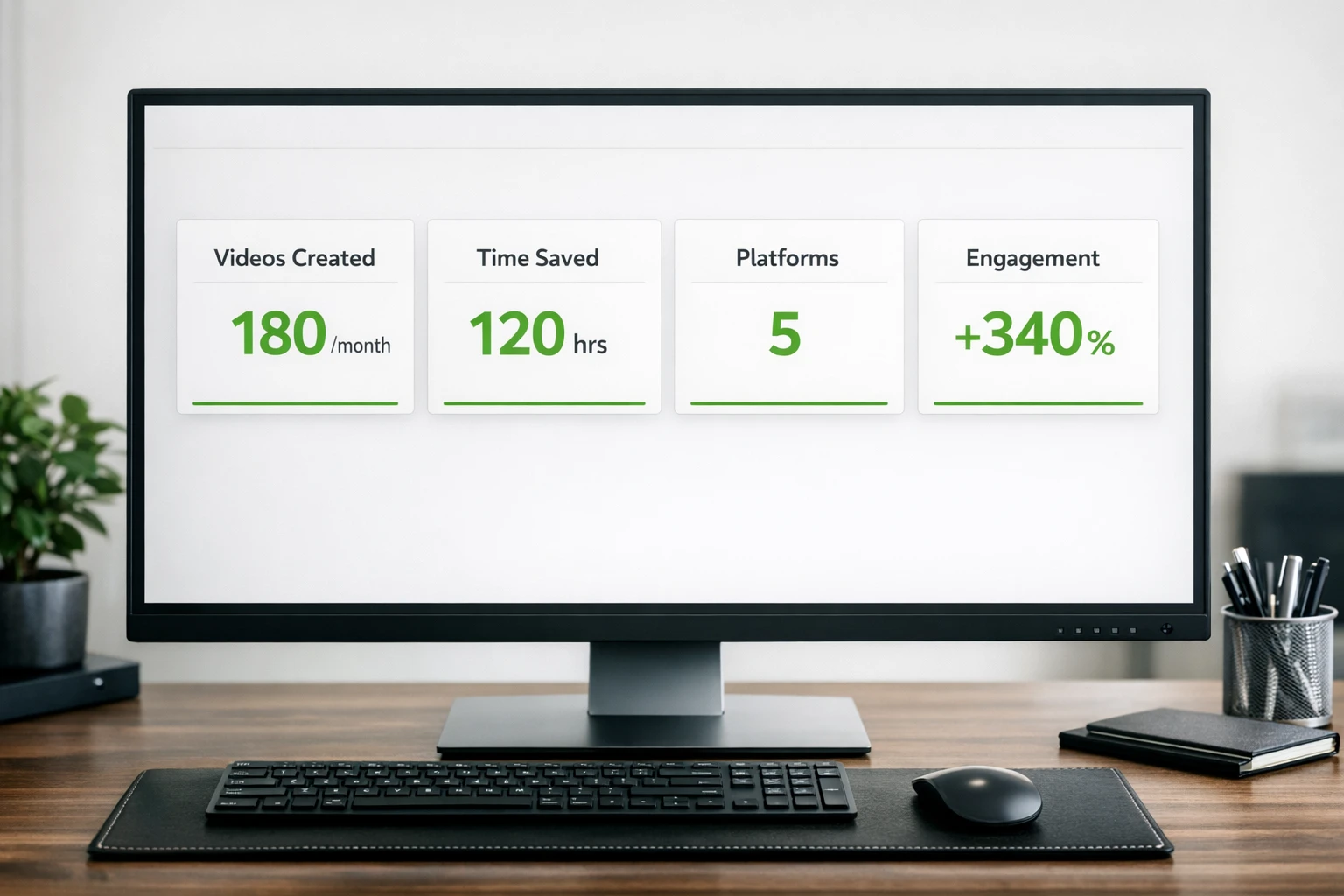
Every stage of the pipeline runs without human intervention
The Workflow Bottlenecks That Kill Content Teams
Every content operation hits the same walls. These are the bottlenecks that slow down your pipeline, drain your budget, and eventually make you stop posting altogether. AI workflow automation was built to eliminate every single one.
Creative Fatigue
Coming up with fresh ideas every day is exhausting. After a few weeks, most creators run dry. The AI never runs out of ideas because it draws from your topic pool and generates unique angles every time.
Tool Stack Costs
Script tools, voiceover services, stock footage, editing software, scheduling apps. The average creator spends $200-500/month on tools alone. AutoClips replaces all of them in one platform.
Team Coordination
Writer finishes late. Editor is on vacation. Social media manager forgot to post. Human teams have human problems. The automated workflow has zero coordination overhead because there's nothing to coordinate.
Inconsistent Output
Manual workflows produce great content on good days and nothing on bad days. The algorithm doesn't care about your bad days. AI workflow automation delivers the same consistent quality every single day without variance.
One Workflow, Four Platforms
Connect once. Every video auto-posts to all your accounts.
YouTube Shorts
Auto-post short-form content to your YouTube channel. Titles, descriptions, and tags all generated by AI.
TikTok
Post directly to TikTok with trending hashtags and optimized captions. Zero manual uploading.
Instagram Reels
Publish Reels to your Instagram account automatically. Captions, hashtags, and cover frames handled by AI.
Facebook Reels
Reach the Facebook audience with auto-posted Reels. Same video, extra platform, zero extra work.
Each platform connection takes about 30 seconds. No third-party integrations required. For a deeper look at our automation capabilities, visit the AI video automation page.
Workflow Templates for Every Strategy
Different goals need different workflows. Pick the one that matches your strategy.
Daily Posting
One video per day, posted to all 4 platforms. The bread and butter of content growth. Set your topic pool, pick a posting time, and the AI delivers fresh content every single morning. This is the workflow that builds audiences on autopilot.
Weekly Batch
Generate 7 videos in one batch, then drip them out over the week. Perfect for creators who want to review content before it goes live. You get a week's worth of videos in one automation run, then approve and schedule them on your terms.
Content Repurposing
Take one core topic and let the AI create multiple video variations with different hooks, angles, and styles. One idea becomes 5 unique videos, each tailored for a different audience segment or platform. Maximum content output from minimum input.
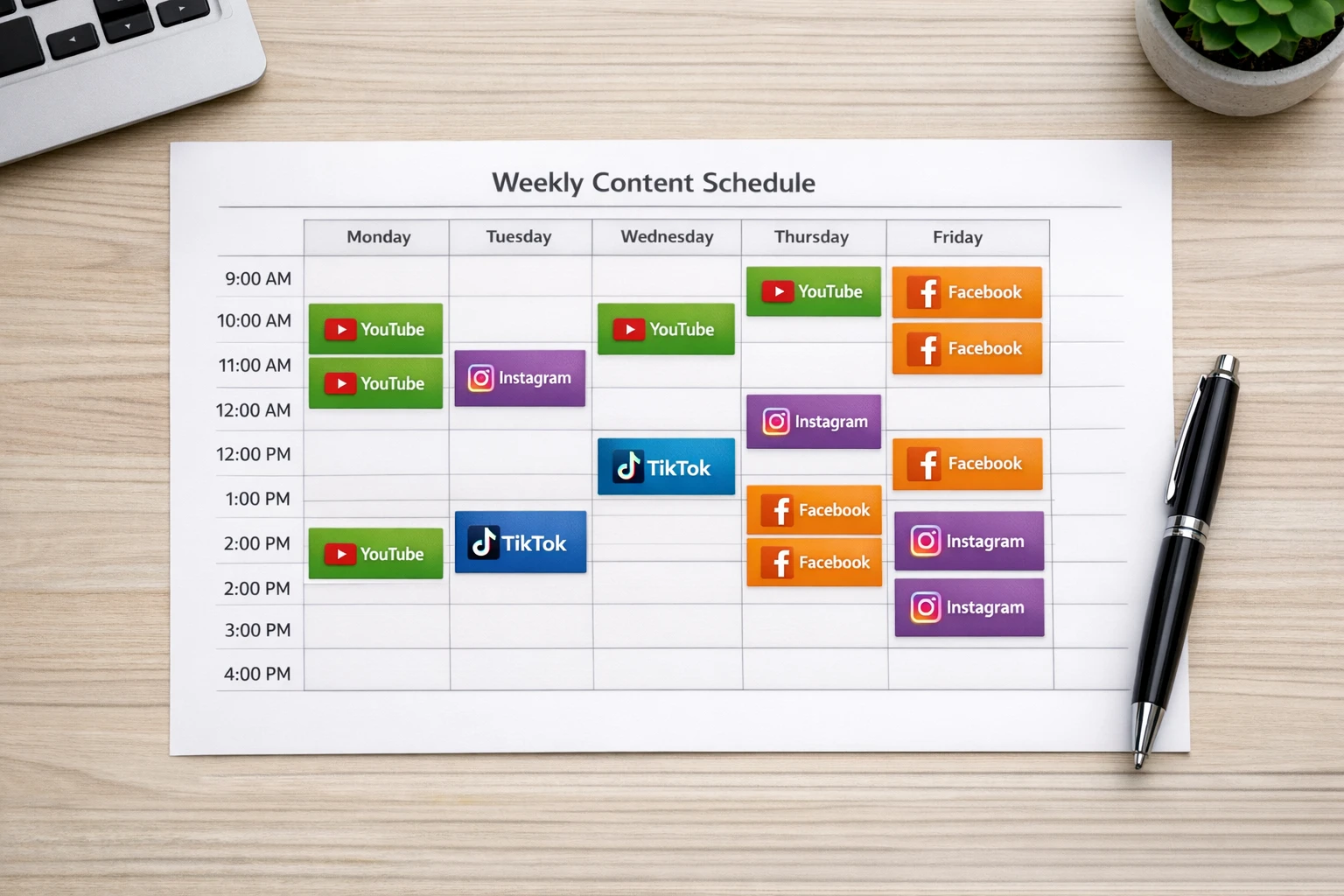
Free your team from repetitive production work and focus on strategy
Before & After: The Workflow Transformation
What your content operation looks like with and without AI workflow automation
Before (Manual Workflow)
- ✗4 hours per video from idea to post
- ✗$200-500/month in tool subscriptions
- ✗3-5 people involved per video
- ✗Miss days when life gets busy
- ✗Burnout within 30-60 days
- ✗Posting to 1-2 platforms at most
After (AI Automated Workflow)
- 5 minutes per video, fully automated
- One platform replaces 6+ tools
- Zero people needed after setup
- Never miss a single day
- Runs indefinitely without fatigue
- Posts to all 4 platforms automatically
What AI Workflow Automation Actually Costs
Less than a single freelance video edit. Per month.
Cost Per Video by Type:
~$0.25
Character Explainer
50 credits per video
~$0.50
Faceless Video
100 credits per video
~$3.50
3D Animation
700 credits per video
Free
$0
1 automation included. Test the full workflow end-to-end. No credit card needed.
Pro
Pro Plan
3 automations. Run multiple workflows for different niches or strategies.
Enterprise
Enterprise
Unlimited automations. For agencies managing multiple clients and brands.
See full pricing details on our pricing page.
Why AI Workflow Automation Is the Future of Content
The content game has changed permanently. Five years ago, you could post twice a week and grow. Two years ago, you needed daily content. Today, the creators and businesses winning on social media are the ones posting multiple times per day across multiple platforms. That's not a workload any human can sustain manually. It's a workload designed for machines.
The businesses that adopt AI workflow automation now will have a 12-month head start over everyone still doing things the old way. While your competitors are spending 4 hours on a single video, your automated pipeline is producing and publishing 3 videos before they finish their morning coffee. That compounding advantage is nearly impossible to catch up to.
And it's not just about volume. The AI produces consistent quality. No bad days. No creative blocks. No excuses. Every video follows the same proven structure: attention-grabbing hook, value-packed body, clear CTA. The algorithm rewards this kind of consistency with exponential reach growth. For more on building automated content operations, explore our guides on AI video automation and faceless TikTok automation.
Frequently Asked Questions
Everything you need to know about AI workflow automation
Stop Working in Your Content. Start Working on Your Business.
What used to take your team a week now takes AI five minutes. Set up your automated workflow, connect your platforms, and let the machine handle everything from script to social media post. Your first video is free.
No credit card required • First video free • 10-minute setup