Sound Like Any Character You Want in Your Gaming Videos
The ultimate AI voice generator for gaming videos. Clone any character voice, pair it with Minecraft, GTA, or Subway Surfers gameplay, and create viral content for about $0.25 per video. No mic needed. No editing. Just pure gaming content.
What is an AI Voice Generator for Gaming Videos?
An AI voice generator for gaming videos lets you create voiceovers that sound like any character you want without ever touching a microphone. You type a script, pick a voice (or clone one from any audio sample), and the AI generates a natural-sounding voiceover in seconds. Pair that voice with gameplay footage running in the background and you have the exact style of content that gets millions of views on TikTok and YouTube Shorts.
Think about all those viral gaming videos you see every day. A character voice narrating a story while Minecraft parkour plays in the background. Peter Griffin explaining why a certain game is broken. A dramatic voice telling scary stories over GTA footage. That's the formula. And now you can create it yourself in minutes with AutoClips Character Explainer.
The best part? Each video costs about 50 credits, which works out to roughly $0.25. Compare that to buying a $300 microphone, spending hours recording and editing, or paying a voice actor $100+ per video. AI voice generation for gaming content is not just easier. It's massively cheaper. Check out our AI voice cloning guide for a deep dive into how the technology works.
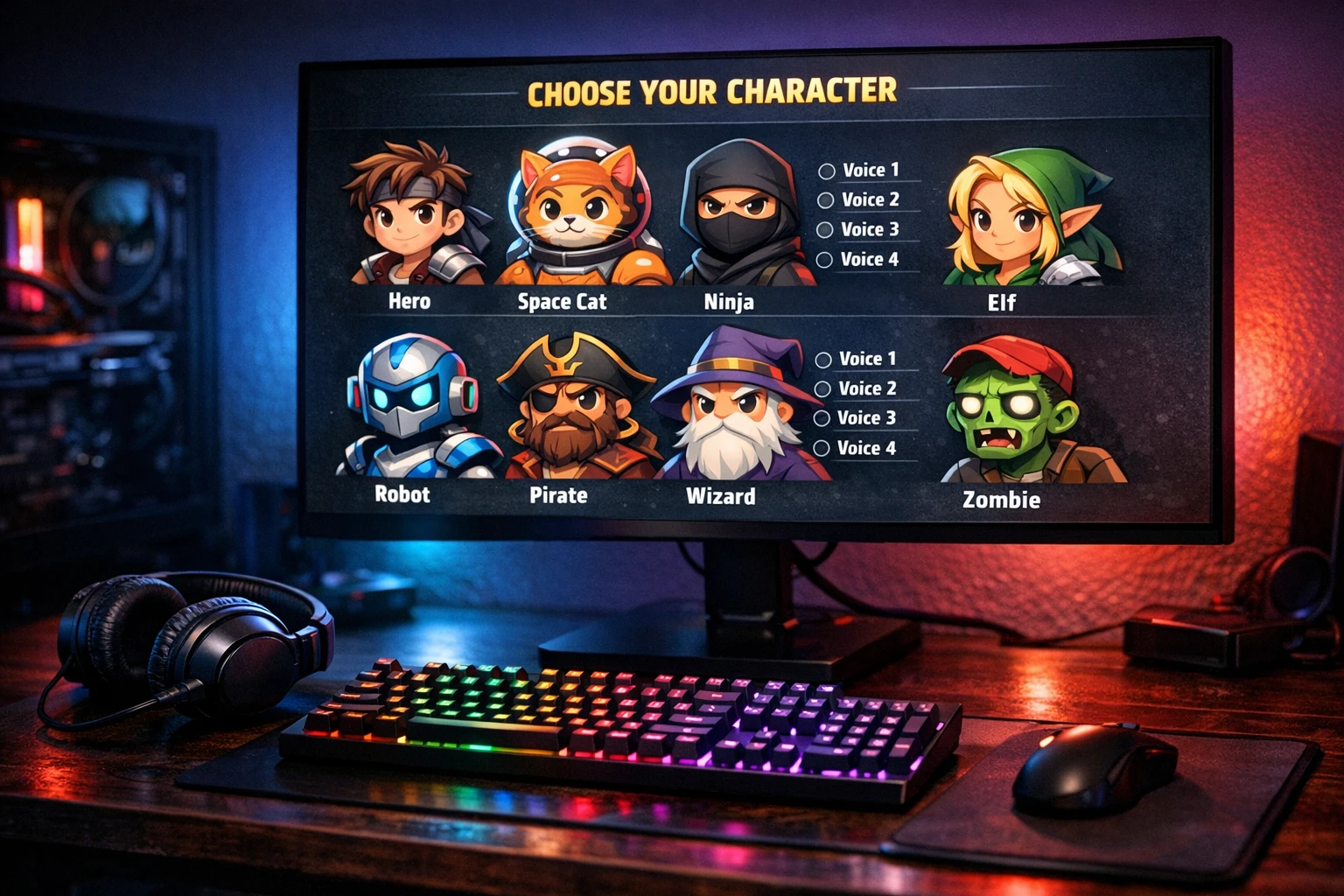
Why Gamers Love AI Voice Generators
Four reasons gaming creators are switching to AI voices
Voice Cloning
Clone any voice from a short audio sample. Sound like your favorite gaming character, a famous personality, or create a completely unique voice for your channel. The AI learns the tone, pitch, and style in seconds.
Gaming Backgrounds
Pick from viral gaming backgrounds like Minecraft parkour, GTA gameplay, and Subway Surfers runs. These are the exact backgrounds that rack up millions of views on TikTok. No screen recording needed.
No Mic Needed
Forget about buying expensive microphones or setting up a recording space. Type your script and the AI generates studio-quality voiceovers instantly. No background noise. No retakes. No audio editing.
Clone Famous Characters
Make videos with voices that sound like Peter Griffin, Spongebob, or any character your audience loves. Check out our Family Guy AI voice guide to see how creators are doing it.
How to Make Gaming Videos with AI Voice Cloning (5 Steps)
From zero to viral gaming content in under 5 minutes
Pick Your Character Voice
Head to AutoClips and open the Character Explainer tool. Choose from the built-in character voices or clone your own. Want to sound like a deep-voiced narrator? A funny cartoon character? A dramatic villain? Upload a short audio clip and the AI learns the voice in seconds. You can also browse our AI voice acting library for inspiration.
Write or Generate Your Script
Type your own gaming script or let the AI generate one for you. Tell it your topic. "Top 5 things that only Minecraft players understand." "Why GTA 6 is going to change everything." "Scary stories for gamers." The AI writes a hook-driven script designed to keep viewers watching until the last second.
Choose Your Gaming Background
This is where the magic happens. Select a gaming background that plays behind your character while the AI voice narrates. Minecraft parkour is the most popular choice because viewers can't stop watching it. GTA freeroam and Subway Surfers are close seconds. The gameplay keeps eyes glued to the screen while your voice delivers the content.
Generate & Preview Your Video
Hit the generate button and watch the AI build your video in real time. It combines your cloned voice, your script, the gaming background, captions, and sound effects into a finished video. Preview it, make tweaks if you want, or just download it and move on. The whole process takes about 2-3 minutes.
Post or Set Up Auto-Posting
Download your video and post it manually, or connect your accounts and let AutoClips auto-post to TikTok, YouTube, Instagram, and Facebook for you. Set it to create and post a new gaming video every single day. Wake up to views, likes, and new followers without lifting a finger.
See AI Gaming Voice Videos in Action
Watch how Character Explainer creates gaming videos with cloned voices
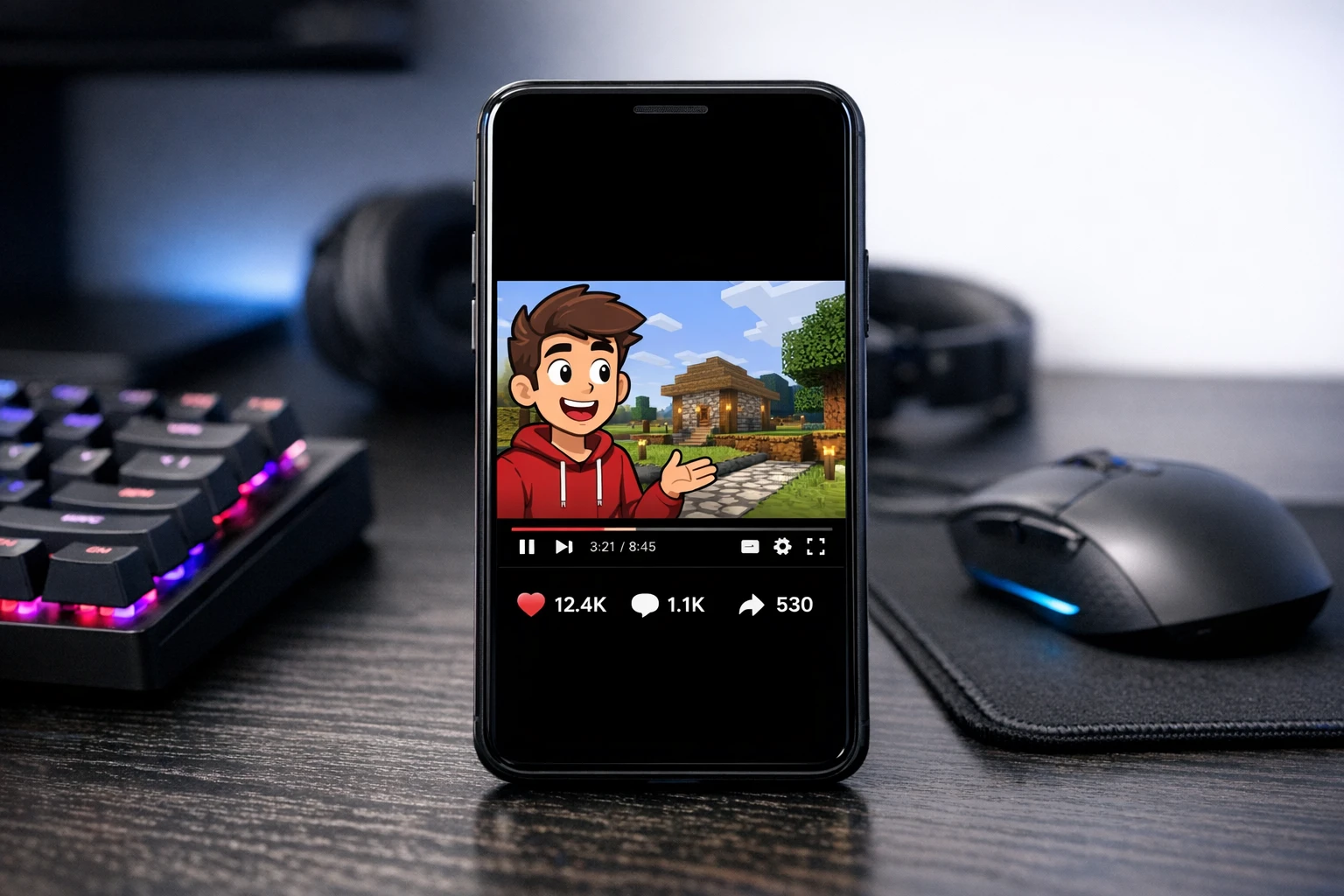
Clone any character voice and pair it with your favorite gaming background
Tips for Creating Viral Gaming Voice Content
Making the video is easy. Making it go viral takes a few smart moves. Here's what the top gaming voice creators on TikTok and YouTube do differently.
Hook in the First 2 Seconds
Start with a wild statement or question. "You won't believe what Minecraft just added." "This is the worst thing you can do in GTA." The hook keeps people from scrolling past. The gaming background keeps them watching. The character voice keeps them entertained.
Match the Voice to the Content
A deep dramatic voice works perfectly for scary gaming stories. A funny cartoon voice kills it for gaming hot takes and memes. A calm narrator voice is ideal for gaming tips and tutorials. Pick the voice that fits your content style and stick with it to build a recognizable brand.
Post 1-3 Times Per Day
The algorithm rewards consistency above all else. The creators who post once a day grow faster than those who post once a week. At $0.25 per video, you can afford to post every single day. Set up an automation and let it run. Your gaming channel grows while you sleep.
Ride Trending Topics
When a new game drops or a gaming controversy blows up, jump on it immediately. Write a script about the trending topic, generate it with your character voice and a gaming background, and post it while it's still hot. Trending topics get 5-10x more reach than evergreen content. Learn more about AI-generated content strategy from TikTok's Creator Portal.
AutoClips vs Crayo AI vs Nullface AI
See how the top AI voice generators for gaming videos compare
| Feature | AutoClips | Crayo AI | Nullface AI |
|---|---|---|---|
| Voice Cloning | ✗ | ||
| Gaming Backgrounds (Minecraft, GTA, etc.) | ✗ | ||
| Character Explainer Videos | ✗ | ✗ | |
| Auto-Post to TikTok & YouTube | ✗ | ✗ | |
| AI Script Generation | |||
| Famous Character Voices | ✗ | ||
| Daily Automation | ✗ | ✗ | |
| Cost Per Video | ~$0.25 | ~$1.50 | ~$2.00 |
Looking for more voice options? Check out our free AI voice generator guide to see all available voices.
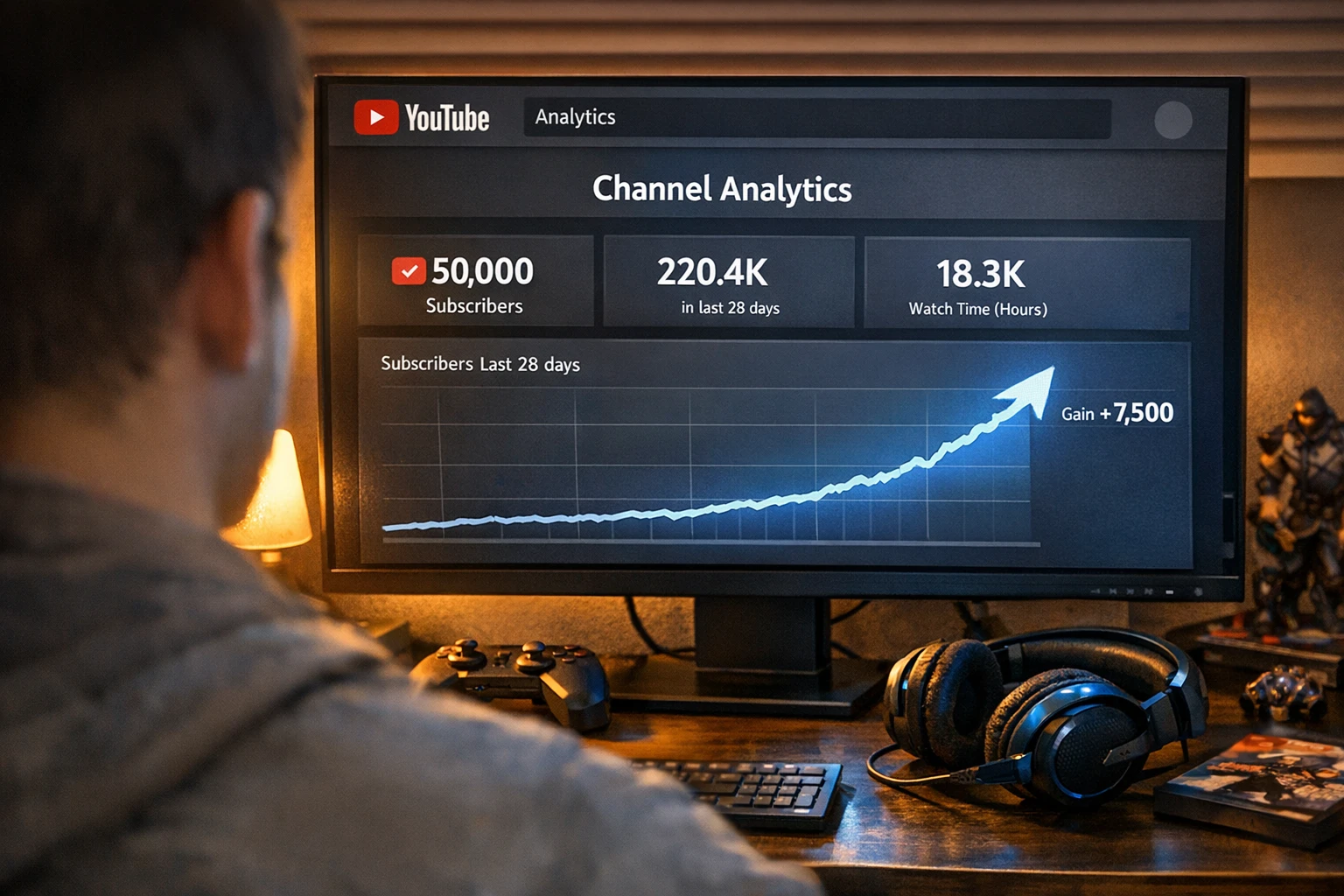
Gaming channels using AI voices are growing faster than ever on TikTok and YouTube
The Real Cost of Gaming Content
Why AI voices are a no-brainer for gaming creators
$0.25
Per video with AutoClips
50
Credits per video
3 min
Average generation time
Traditional Gaming Content
- ✗$200-$500 microphone setup
- ✗$50-$200 per voice actor session
- ✗Hours of recording and editing audio
- ✗Need quiet room for clean recordings
With AutoClips AI Voices
- $0 equipment cost (no mic needed)
- ~$0.25 per complete video
- Generate videos in 2-3 minutes
- Create anywhere, anytime, no setup needed
Why Gaming Backgrounds Make AI Voice Videos Go Viral
There's a reason every viral short-form video uses gaming footage in the background. It's not random. It's psychology. Minecraft parkour, Subway Surfers runs, and GTA chases create a visual loop that the human brain cannot look away from. The constant movement and near-misses trigger a dopamine response that keeps viewers watching.
When you layer an engaging character voice on top of that addictive gameplay, you get the perfect recipe for retention. And retention is the single most important metric on TikTok, YouTube Shorts, and Instagram Reels. The longer people watch, the more the algorithm pushes your video. According to YouTube's Creator Resources, watch time is the top factor in how videos get recommended.
That's why the Character Explainer format works so well. A recognizable character grabs attention. The AI voice delivers entertaining or educational content. The gaming background keeps eyes locked on the screen. And when you can produce this content for $0.25 per video, there's no reason not to post every single day. Visit our Peter Griffin AI voice page to see this format in action with one of the most popular character voices.
The gaming video format also works across nearly every niche. You do not need to talk about games. Channels use Minecraft backgrounds to discuss psychology, history, cooking tips, relationship advice, and financial literacy. The gaming background is just the visual hook. Your content can be about anything. For more insights on short-form content trends, check out TikTok's Newsroom.
Frequently Asked Questions
Everything you need to know about AI voice generators for gaming videos
Start Making Gaming Videos with AI Voices Today
Stop watching other gaming creators blow up while you're stuck without a mic or editing skills. Pick a character voice, choose your gaming background, and generate your first video in minutes. Sound like anyone you want. Post to every platform. Grow your channel on autopilot.
No credit card required • First video free • ~$0.25 per video after