AI Video Maker Free: Create Pro Videos Without Spending a Dime
You do not need a budget to create scroll-stopping videos. The best AI video maker free tools in 2026 let you generate professional content in minutes. No editing skills. No expensive software. No excuses. Here are the 7 best free options and which one actually delivers.
What Makes an AI Video Maker Free Tool Actually Worth Using?
Most "free" AI video makers are free the way a hotel mini-bar is free. You open the door, everything looks available, and then you get hit with charges for every single thing you touch. Watermarks, resolution limits, export caps, feature gates. The "free" experience ends up being a frustrating demo.
A genuinely useful AI video maker free tool should let you create a real, usable video without pulling out your wallet. That means no watermark on exports, decent video quality, and enough features to create something you would actually post. If you have to upgrade before your first video is done, it is not really free.
We tested dozens of tools and narrowed it down to 7 that actually let you create videos for free. Some are better than others. Some are editors, not creators. And one stands out as the clear winner for anyone who wants complete, ready-to-post videos without touching a timeline. Whether you are building a fully automated video channel or just getting started, the right free tool can change everything.
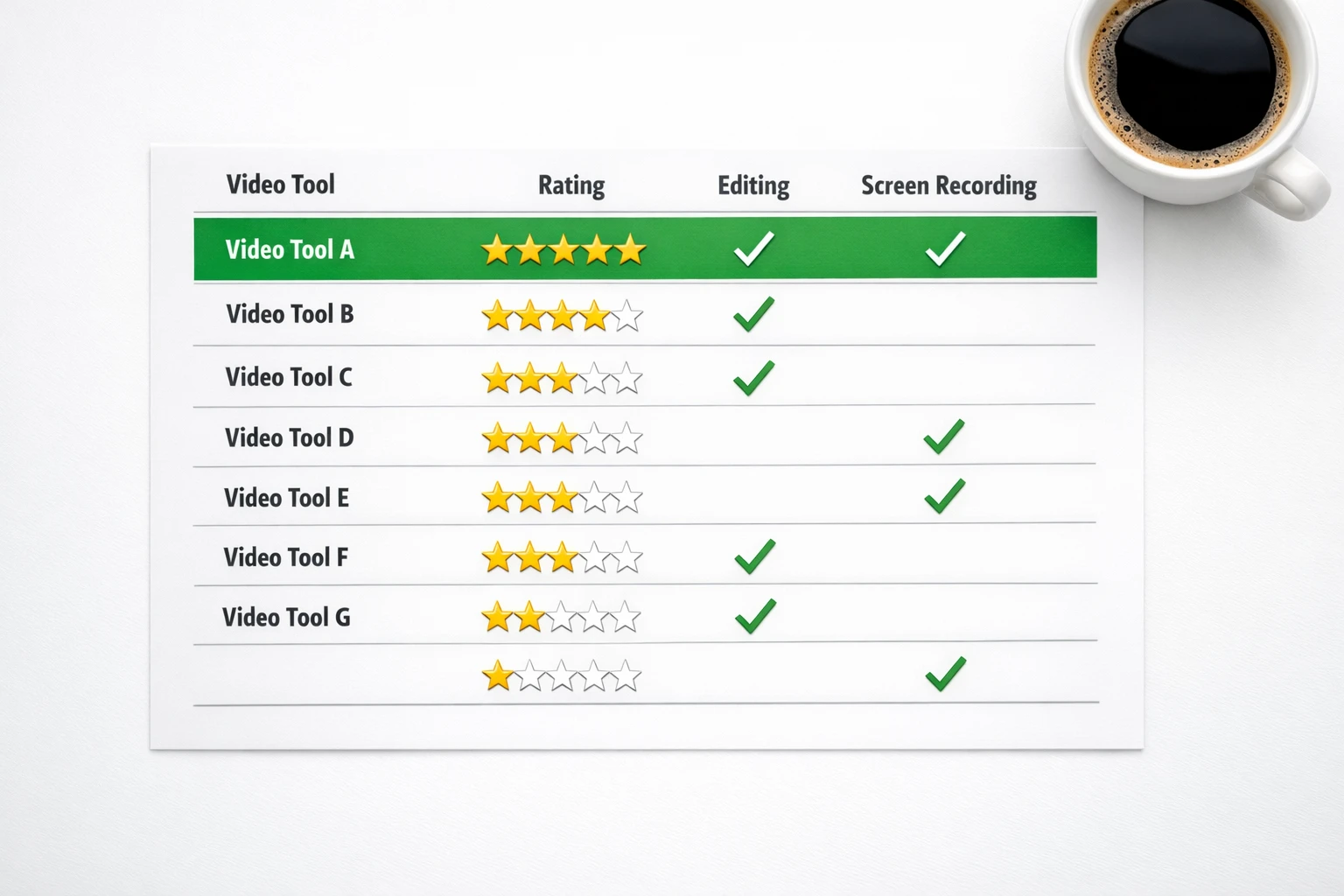
The 7 Best AI Video Maker Free Tools in 2026
Tested, compared, and ranked by real creators
Autoclips
Best Overall Free AI Video Maker
Autoclips is an all-in-one AI video maker that creates complete videos from a single prompt. You type your idea, and the AI writes the script, generates a voiceover, creates images, adds captions and music, and renders a polished video ready to post. No editing. No timeline. No learning curve.
What It Does:
Creates complete short-form videos (Character Explainer, Faceless, 3D Animation) from text prompts. Handles everything from script to final render automatically.
Pros
- Complete video creation from a single prompt
- Character Explainer videos for just 50 credits (~$0.25)
- Voice cloning and dozens of AI voices
- Auto-posting to TikTok, YouTube, Instagram & Facebook
- No watermark on free tier
- 3D animation studio included
Cons
- ✗Free credits are limited (need paid plan for heavy usage)
- ✗3D animation costs more credits (700 per video)
Best For: Creators who want complete, ready-to-post videos without any editing. Perfect for faceless channels, viral content, and anyone who values speed over manual control.
Canva
Best for Simple Social Media Graphics & Video
Canva is primarily a design tool that added video capabilities. It offers a drag-and-drop editor with templates, stock footage, and basic animations. The free tier gives you access to thousands of templates but the best ones are locked behind the Pro plan.
What It Does:
Template-based video editor with drag-and-drop interface. You manually assemble videos from templates, stock footage, text overlays, and basic animations.
Pros
- Huge library of templates
- Easy drag-and-drop editor
- Good for social media graphics + video combos
- Brand kit on paid plans
Cons
- ✗No AI script writing or auto-generation
- ✗You build everything manually
- ✗Best templates locked behind paywall
- ✗No voiceover or voice cloning
- ✗Not designed for short-form viral content
Best For: People who need simple social media videos with text overlays and templates. Better for graphics than video content.
CapCut
Best Free Video Editor (Manual Editing Required)
CapCut is a powerful free video editor from ByteDance (TikTok's parent company). It has excellent editing tools, effects, and auto-captions. But it is an editor, not a creator. You need your own footage, your own script, and your own voiceover. The AI features help you edit faster, not create from scratch.
What It Does:
Video editing tool with AI-powered features like auto-captions, background removal, and smart effects. You provide the raw footage and edit it yourself.
Pros
- Completely free with no watermark
- Excellent auto-captions
- Great effects and transitions
- Desktop and mobile apps
- TikTok integration
Cons
- ✗Requires your own footage and assets
- ✗No AI video generation from prompts
- ✗Manual editing required for every video
- ✗No script writing or voiceover generation
- ✗Time-intensive process
Best For: People who already have footage and want a free editor. Not for creating videos from scratch.
InVideo Free
Template-Based Video Maker with AI Assist
InVideo offers an AI-assisted video creation workflow where you type a prompt and it generates a video from stock footage and templates. The free plan includes watermarks and limits exports. It is solid for basic explainer-style content but lacks the character video and voice cloning features that make content go viral.
What It Does:
AI-assisted video creation that turns prompts into template-based videos using stock footage, text overlays, and background music.
Pros
- AI prompt-to-video workflow
- Large stock footage library
- Multiple export formats
- Good for marketing videos
Cons
- ✗Watermark on free plan
- ✗Limited to stock footage (no AI image generation)
- ✗No character videos or voice cloning
- ✗Free plan exports capped at 720p
- ✗Generic-looking output
Best For: Marketers who need quick stock-footage-based explainer videos. Not ideal for viral social media content.
FlexClip
Simple Online Video Maker with Templates
FlexClip is a browser-based video maker with a clean interface and decent template library. The free plan lets you create videos up to 1 minute long at 480p with a watermark. It is straightforward for basic video projects but lacks AI generation capabilities.
What It Does:
Online video editor with templates, stock media, text animations, and basic AI tools like text-to-speech.
Pros
- Clean, easy-to-use interface
- Good template variety
- Browser-based (no download needed)
- Basic text-to-speech included
Cons
- ✗Free videos limited to 1 minute
- ✗480p quality on free plan
- ✗Watermark on free exports
- ✗No AI video generation from prompts
- ✗No voice cloning or character features
Best For: Quick, simple video projects under 1 minute. Good for personal use, not for serious content creation.
Crayo AI
AI Shorts Generator for TikTok & Reels
Crayo AI focuses specifically on creating short-form content for TikTok and YouTube Shorts. It generates videos with AI narration and stock-style visuals. The free tier is limited but gives you a taste of automated short-form content creation.
What It Does:
Generates short-form videos from text prompts with AI narration, background visuals, and captions optimized for TikTok and YouTube Shorts.
Pros
- Focused on short-form viral content
- AI script generation
- Quick video turnaround
- Optimized for TikTok format
Cons
- ✗Very limited free tier
- ✗No character videos or voice cloning
- ✗No 3D animation
- ✗Limited customization options
- ✗No auto-posting to platforms
Best For: Creators who only need basic AI-generated TikTok content and are willing to upgrade quickly.
AutoShorts.ai
Automated Shorts with Limited Free Access
AutoShorts.ai automates the creation of YouTube Shorts and TikTok videos. It generates scripts, voiceovers, and visuals from a topic prompt. The free plan is very restrictive, but the concept is solid for people who want hands-off content creation.
What It Does:
Creates automated short-form videos from topic prompts with AI-generated scripts, voiceovers, and stock imagery.
Pros
- Automated video creation from topics
- YouTube Shorts focused
- AI script writing included
- Auto-posting to some platforms
Cons
- ✗Extremely limited free tier
- ✗No character explainer videos
- ✗No voice cloning
- ✗No 3D animation
- ✗Fewer customization options than Autoclips
Best For: YouTube Shorts creators who want basic automation and plan to upgrade to a paid plan.

Autoclips gives you access to three powerful video creation modes on the free tier
Free AI Video Maker Comparison Table
Every feature, side by side. See exactly what you get for free.
| Feature | Autoclips | Canva | CapCut | InVideo | FlexClip | Crayo AI | AutoShorts |
|---|---|---|---|---|---|---|---|
| AI Video from Prompt | ✗ | ✗ | ✗ | ||||
| AI Script Writing | ✗ | ✗ | ✗ | ||||
| AI Voiceover | ✗ | ✗ | Basic TTS | ||||
| Voice Cloning | ✗ | ✗ | ✗ | ✗ | ✗ | ✗ | |
| Character Videos | ✗ | ✗ | ✗ | ✗ | ✗ | ✗ | |
| 3D Animation | ✗ | ✗ | ✗ | ✗ | ✗ | ✗ | |
| Auto-Captions | Paid | ✗ | |||||
| Auto-Post to Socials | Paid | ✗ | ✗ | ✗ | ✗ | ||
| No Watermark (Free) | ✗ | ✗ | Limited | ✗ | |||
| Free Tier Value | Best | Good | Good | Limited | Limited | Limited | Limited |
Why Autoclips Is the Best Free AI Video Maker
The difference between Autoclips and every other tool on this list comes down to one thing: Autoclips creates the entire video for you. Every other free tool either requires you to edit manually (CapCut, Canva, FlexClip), limits you to basic stock footage mashups (InVideo), or restricts the free tier so aggressively that you cannot create anything useful (Crayo, AutoShorts).
With Autoclips, you type your idea and get a finished video. The AI writes your script, generates a professional voiceover, creates custom AI images, adds animated captions and background music, and renders everything into a polished video you can post immediately. A Character Explainer video costs just 50 credits (~$0.25). A Faceless Video costs 100 credits (~$0.50). And the 3D Animation Studio creates cinematic Pixar-quality content for 700 credits (~$3.50).
No other free AI video maker gives you voice cloning, character videos, 3D animation, and auto-posting all in one place. Most do not even offer one of those features, let alone all four. That is why thousands of creators choose Autoclips as their go-to tool for building faceless channels, going viral on TikTok, and earning money from YouTube. Check our pricing page to see how affordable it stays as you scale.
What You Get on Autoclips Free Tier:
Character Explainer
50 credits (~$0.25/video)
Faceless Videos
100 credits (~$0.50/video)
3D Animation
700 credits (~$3.50/video)
How to Pick the Right Free Tool for Your Goals
Different tools for different creators. Find your match.
Want Passive Income?
You need a tool that creates complete videos so you can post daily without spending hours editing. Manual editors will not work.
Need Social Graphics?
If you mainly need images with some video elements for Instagram or Facebook posts, a design tool works.
Have Your Own Footage?
If you already record video and just need to edit, add captions, and apply effects, a dedicated editor is the right call.
Want to Go Viral?
Character videos with voice cloning dominate TikTok and Shorts. You need the tool that specializes in viral short-form.
Marketing Videos?
For quick marketing explainers with stock footage, a template-based tool can work. But AI-generated content performs better.
Full Automation?
If you want videos created and posted daily without touching anything, only one tool does this end-to-end on the free tier.
The Hidden Cost of Free Video Makers (Your Time)
Every free tool is free in dollars. But time is the real currency. If a "free" editor takes you 3 hours to produce one video, and an AI video maker creates it in 2 minutes, you did not save money. You lost 2 hours and 58 minutes that you could have spent on strategy, engagement, or building your next business idea.
The creators who grow fastest are not the ones who pinch every penny. They are the ones who protect their time. When you can make a professional Character Explainer video for 50 credits (~$0.25) in under 2 minutes, spending 3 hours in a free editor is the most expensive thing you can do. Free resources from the YouTube Creator Academy and the TikTok Creator Portal both emphasize consistency and volume as the keys to growth, and AI tools are the only way to achieve both without burning out.
Free Editor (CapCut/Canva)
- ✗2-4 hours per video
- ✗Need your own script, footage, and audio
- ✗1-2 videos per week (max realistic output)
- ✗Burnout within weeks
AI Video Maker (Autoclips)
- Under 2 minutes per video
- AI handles script, voice, images, music
- 1-3 videos per day (easily)
- Never burn out, never miss a day
Professional video creation is no longer locked behind expensive software
5 Tips to Get Maximum Value from Free AI Video Tools
Start with Your Best Idea, Not a Test
Do not waste your free credits on "testing." Come in with a real video idea, something you would actually post. Your best content should be your first content. This way you immediately see the real value and get real results.
Pick the Cheapest Video Type to Start
Character Explainer videos cost just 50 credits (~$0.25) each. That means your free credits go further. Start with these, prove the concept, then explore Faceless Videos (100 credits) and 3D Animation (700 credits) when you are ready to invest.
Post to Multiple Platforms Immediately
One video can go on TikTok, YouTube Shorts, Instagram Reels, and Facebook. That is 4x the reach from the same free video. With Autoclips auto-posting, this happens automatically.
Use Trending Topics and Hooks
Free tools give you the same quality as paid ones. The difference between a viral video and a flop is the topic and hook. Research trending topics in your niche, write hooks that stop the scroll, and let the AI handle the production. Check our AI YouTube video generator guide for hook formulas that work.
Reinvest Your First Earnings
Once your free videos start generating views, reinvest the first bit of ad revenue or affiliate income back into credits. Most creators who start free are fully self-sustaining within weeks because the cost per video is so low.
Frequently Asked Questions
Everything you need to know about free AI video makers
Stop Searching. Start Creating.
You have read the comparisons. You have seen the features. Now it is time to create your first professional video without spending a dime. Sign up for free, type your idea, and watch the AI turn it into a polished video in under 2 minutes. No credit card. No watermark. No reason to wait.
No credit card required • No watermark • Full HD quality