Sound Exactly Like Peter Griffin, Stewie & More in Your Videos
Family Guy AI voice lets you clone your favorite cartoon characters and create viral videos in minutes. No voice acting skills needed. Just type your script, pick a character, and let the AI do the rest. Your first video is free.
Hear the AI Voices in Action
Watch how creators use Family Guy AI voice to make videos that get millions of views
Why Family Guy AI Voice Content Is Viral Gold
There's a reason Family Guy character videos dominate TikTok and YouTube Shorts. People instantly recognize these voices. When someone scrolling their feed hears Peter Griffin ranting about gym culture or Stewie roasting modern dating, they stop and watch. That instant recognition is something most creators spend years trying to build. With a Family Guy AI voice, you get it from your very first video.
The numbers speak for themselves. Character voice videos regularly pull 500K to 5M+ views on short-form platforms. Channels built entirely around cartoon character voices have grown from zero to 100K followers in under 3 months. And the best part? You never have to show your face or use your own voice. It's the ultimate faceless content strategy.
The algorithm loves this content because viewers watch it all the way through. When someone hears Peter Griffin explaining why cereal is better than oatmeal, they don't skip. They watch, they laugh, they share it with friends, and they follow for more. That high retention and engagement is exactly what TikTok and YouTube reward with more reach.
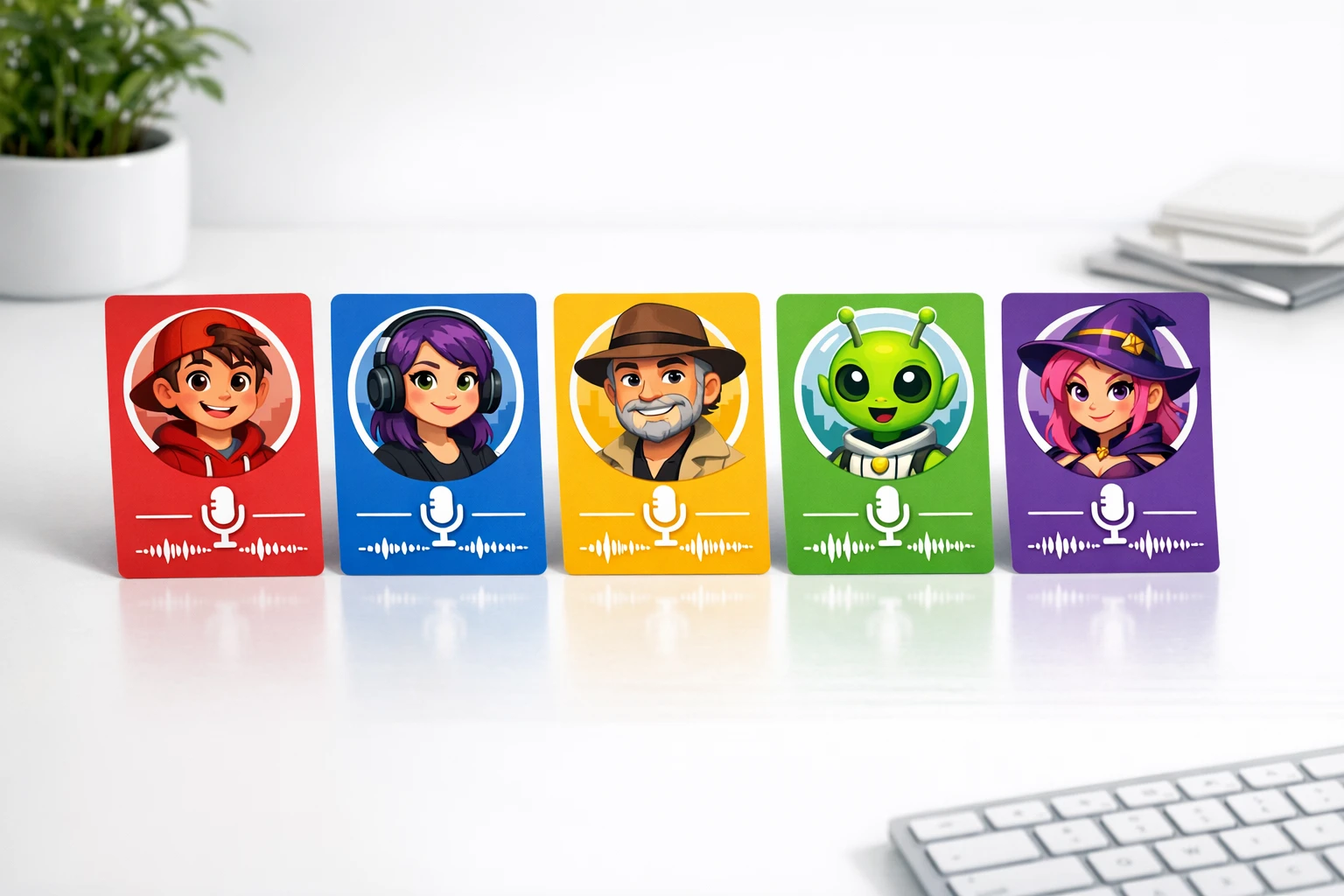
Character Voices You Can Clone Right Now
Pick any character, type your script, and the AI does the rest
Peter Griffin
The unmistakable raspy voice, the random tangents, the iconic laugh. Peter Griffin is the most requested AI character voice for a reason. Perfect for hot takes, rants, and comedy content.
Stewie Griffin
That sophisticated British accent mixed with diabolical genius. Stewie's AI voice is perfect for roasting trends, explaining complex topics with attitude, and delivering savage commentary that viewers love to share.
Homer Simpson
The lovable donut-obsessed dad from Springfield. Homer's AI voice is instantly recognizable and works brilliantly for food content, dad humor, everyday life commentary, and relatable rants about work and family.
Glenn Quagmire
Giggity! Quagmire's distinctive voice and catchphrases make him perfect for dating advice content, relationship commentary, and comedy videos. His over-the-top personality keeps audiences engaged and entertained throughout the video.
Cleveland Brown
That smooth, laid-back delivery with the iconic slow reactions. Cleveland's AI voice is great for calm commentary, reaction content, and storytelling videos where the relaxed tone adds comedy through contrast with wild topics.
More Characters
Beyond Family Guy, AutoClips offers voices from many popular shows and characters. Check our full cartoon voice generator library for the complete list. New characters are added based on creator requests every week.
How to Create Family Guy AI Voice Videos (4 Steps)
From idea to viral-ready video in under 5 minutes
Pick Your Character Voice
Open AutoClips and browse the character voice library. You'll see Peter Griffin, Stewie, Homer Simpson, Quagmire, Cleveland, and many more. Tap the one you want and you'll hear a preview of how the AI voice sounds. Pick the character that fits your content style. Making hot takes? Peter Griffin. Roasting trends? Stewie. Everyday life humor? Homer.
Write or Generate Your Script
You have two options here. Write your own script if you have a specific idea, like Peter Griffin explaining why pineapple belongs on pizza. Or let the AI generate a script for you. Just give it a topic and a tone, and it writes a complete script that sounds natural for the character you picked. The AI knows how each character talks and writes accordingly.
Choose Your Video Style
AutoClips gives you three powerful video styles to pair with your character voice. Character Explainer puts a cartoon character over satisfying gameplay backgrounds, which is the most viral format right now. Faceless Video uses AI-generated images to illustrate your script. And 3D Animation creates cinematic movie-quality visuals. Most creators start with Character Explainer because it's the cheapest (just 50 credits, about $0.25) and gets the best engagement.
Character Explainer
~$0.25
Faceless Video
~$0.50
3D Animation
~$3.50
Generate & Post Your Video
Hit generate and AutoClips handles everything. The AI clones the character voice, renders the video with captions, adds background music and sound effects, and delivers a polished video ready to post. Download it and upload to any platform, or use AutoClips automation to auto-post directly to TikTok, YouTube, Instagram, and Facebook. The whole process takes about 2 minutes.
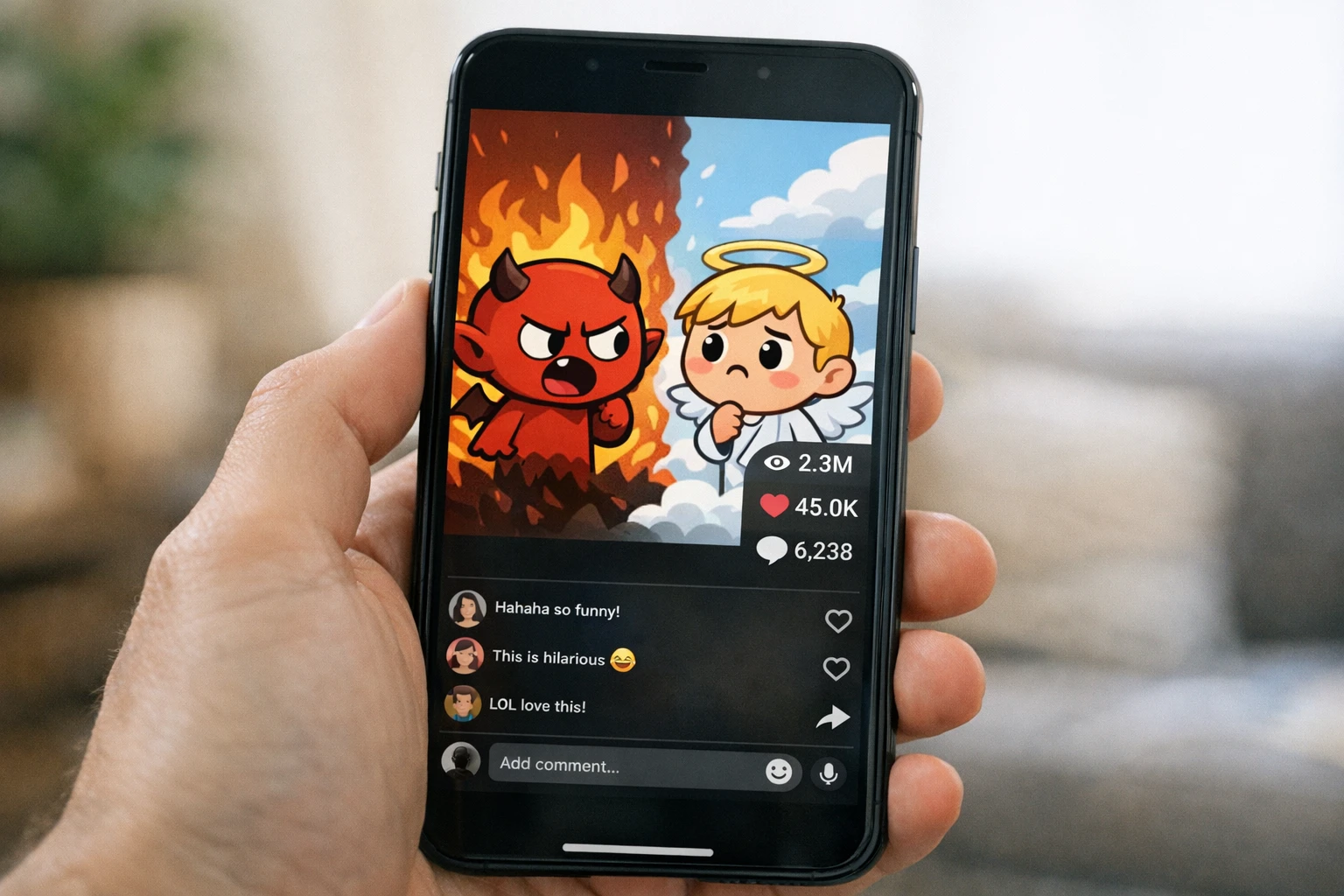
From script to viral video in under 5 minutes with any character voice
7 Tips for Going Viral with Family Guy AI Voice Videos
Making the video is the easy part. Getting it to blow up takes the right strategy. Here are the tactics that the top character voice creators use to consistently hit hundreds of thousands of views.
Pick Trending Topics, Not Random Ones
The voice gets people to stop scrolling, but the topic keeps them watching. Use trending topics, hot debates, and viral moments. Peter Griffin discussing the latest internet drama will always outperform Peter Griffin talking about something nobody cares about. Stay plugged into what's trending on TikTok and Twitter.
Hook in the First 2 Seconds
Start with something provocative, controversial, or hilarious. The character voice grabs attention, but you need a strong opening line to keep it. Open with something like Stewie saying something outrageous or Peter making a bold claim. Never start with filler or introductions. Jump straight into the action.
Post 1-3 Videos Every Day
Consistency is everything. The algorithm rewards accounts that post daily. With videos costing just $0.25 each, you can create 3 videos a day for under a dollar. That's 90 pieces of content per month. The more you post, the faster the algorithm picks up on what works and pushes your content to bigger audiences.
Match the Character to the Content
Peter works for hot takes and rants. Stewie works for intellectual roasts and savage commentary. Homer works for everyday life humor and food content. Quagmire works for dating and relationship topics. Using the right character for the right topic makes the content feel natural and authentic, which drives higher engagement.
Use the Character Explainer Format
The cartoon character over satisfying gameplay background is the highest-performing format for character voice content. It combines two addictive elements: a recognizable voice people love and satisfying visuals they can't look away from. This combo keeps watch time high, which is the single most important metric for the algorithm.
Post Across Multiple Platforms
Don't just post on TikTok. The same video works on YouTube Shorts, Instagram Reels, and Facebook Reels. One video, four platforms, four chances to go viral. AutoClips automation can auto-post to all four platforms so you don't have to upload manually. Maximize your reach without any extra work.
Engage With Comments
When a video starts getting traction, reply to comments in the character's persona. Create follow-up videos responding to top comments. This builds a community and signals to the algorithm that your content creates real engagement. The TikTok Creator Portal has great resources on engagement strategies.
How Creators Make Money with Character Voice Videos
Multiple income streams from content you create in minutes
$0.25
Cost per video
90/mo
Videos at 3/day
$22.50
Total monthly cost
$3K-$10K+
Potential monthly income
Revenue Streams
- YouTube Ad Revenue - Earn $2-$7 per 1,000 views once monetized
- TikTok Creator Fund - Get paid for views and engagement
- Affiliate Marketing - Promote products in your video CTAs
- Sponsorships - Brands pay $500-$5,000+ per sponsored video
Why Character Voices Win
- Instant recognition = higher click-through rate
- Viewers watch longer = better algorithm ranking
- People share character videos more than generic ones
- Faceless = unlimited scaling without burnout

Character voice channels are one of the fastest-growing niches on short-form platforms
3 Ways to Use Family Guy AI Voice in Your Videos
Each style pairs differently with character voices
Character Explainer
Cartoon character talking over Minecraft, Subway Surfers, or other satisfying gameplay. This is the format that gets millions of views. The character voice + gameplay combo is addictive and viewers can't stop watching.
Faceless Video
Character voice narrating over AI-generated images that match the script. Great for storytelling, educational content, and explainers. The AI creates unique visuals for each scene while the character voice keeps it entertaining and engaging.
3D Animation
Cinematic 3D animated visuals paired with character voices. This is the premium option for creators who want movie-quality content. The AI generates stunning 3D scenes that make your videos look like they cost thousands to produce.
Viral Content Ideas for Each Character
Not sure what to make? Here are proven content categories that perform well for each character voice. These topics consistently get high engagement because the character personality naturally fits the subject matter.
Peter Griffin Content Ideas
Stewie Griffin Content Ideas
Homer Simpson Content Ideas
Want more inspiration? Check out our funny AI video generator guide for additional content strategies and viral formulas that work across all character voices. The YouTube Creator Academy also has excellent resources on content strategy for short-form video.
AutoClips vs Other Character Voice Tools
See why creators choose AutoClips for Family Guy AI voice content
| Feature | AutoClips | Crayo AI | Manual Editing |
|---|---|---|---|
| Character Voice Cloning | ✗ | Requires separate tools | |
| Peter Griffin Voice | ✗ | ✗ | |
| Stewie Griffin Voice | ✗ | ✗ | |
| Gameplay Backgrounds | Manual | ||
| AI Script Generation | ✗ | ||
| Auto-Post to TikTok/YouTube | ✗ | ✗ | |
| 3D Animation Option | ✗ | ✗ | |
| Cost Per Video | $0.25 | $0.50+ | 2-4 hours |
Frequently Asked Questions
Everything you need to know about Family Guy AI voice
Start Making Character Voice Videos Today
Stop watching other creators go viral with character voices while you sit on the sidelines. Pick Peter Griffin, Stewie, Homer, or any character you love. Type your script. Hit generate. Your first viral Family Guy AI voice video could be live in the next 5 minutes.
No credit card required • First video free • 10+ character voices