Just Type What You Want. AI Handles the Rest.
AI video from text turns your scripts, articles, prompts, and ideas into professional videos in minutes. No camera. No editing. No skills needed. Just type and watch the magic happen.
What is AI Video From Text?
You have an idea sitting in your head. Maybe it's a script you wrote at 2 AM. Maybe it's a blog post that deserves more eyeballs. Maybe it's a simple sentence like "5 reasons to start investing in your 20s." Whatever text you have, AI video from text takes those words and builds a complete, professional video around them, automatically.
No filming. No editing timeline. No After Effects tutorials. No hiring freelancers. You type or paste your text, choose a style, and the AI does everything else: it writes the voiceover, generates stunning visuals for each scene, adds background music and sound effects, syncs everything together, and renders a finished video you can post anywhere. The whole process takes about 2-3 minutes.
This is how thousands of creators are building YouTube channels, TikTok accounts, and Instagram pages without ever showing their face or touching a video editor. They type. The AI creates. The views roll in. And with script-to-video AI tools getting better every month, the gap between AI-made and human-made content is disappearing fast.
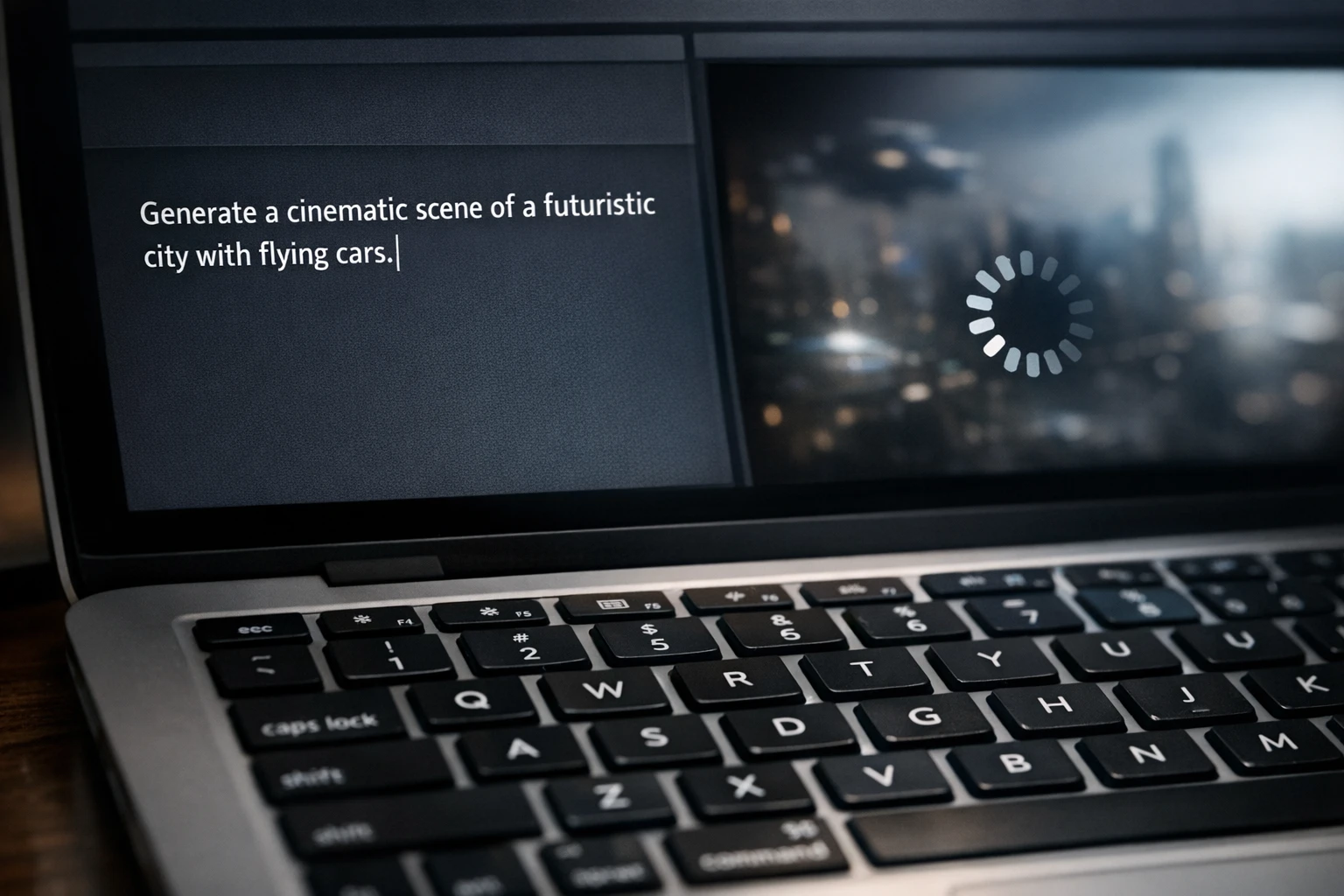
Any Text. Any Format. One Video.
Here's what you can turn into AI video from text
Full Scripts
Already have a script written? Paste it in and the AI follows your words exactly. Every sentence becomes a scene. Your script becomes a video in minutes, not hours.
Blog Articles
Got a blog post that's getting traffic? Turn it into a video and double your reach. The AI extracts the key points and creates a visual summary that drives viewers back to your site.
Simple Prompts
Don't have a script? No problem. Type a topic like "why morning routines change your life" and the AI writes the entire script, then turns it into a video. One sentence in, full video out.
Topic Ideas
Just have a rough idea? Type "scary story about an abandoned hospital" or "3 investing mistakes beginners make." The AI takes your idea and builds a complete video around it from scratch.
Product Descriptions
Selling something? Paste your product description and get a promotional video back. Perfect for Shopify stores, Amazon products, SaaS demos, or course launches.
Anything You Can Type
The bottom line? If you can type it, the AI can turn it into a video. Quotes, lists, stories, tutorials, reviews, comparisons. The text goes in, a polished video comes out.
How to Create AI Video From Text (Step-by-Step)
From blank page to finished video in under 5 minutes
Type or Paste Your Text
Open AutoClips and head to the video creator. You'll see a text box waiting for you. Paste your script, drop in an article, type a topic idea, or write out a detailed prompt. The AI accepts any length, from a single sentence to a full 1,000-word script. The more detail you provide, the more closely the final video matches your vision. But even a single line like "5 habits of highly successful people" is enough to create a complete video.
Pick Your Video Style
AutoClips offers three distinct video styles, each designed for different goals. Choose Character Explainer if you want cartoon characters explaining your topic over satisfying gameplay backgrounds, perfect for going viral without showing your face. Choose Faceless Video for professional AI-generated visuals with polished voiceover, ideal for educational and niche content. Or choose 3D Animation for cinematic, Hollywood-quality scenes that stop the scroll.
Character Explainer
50 credits
Faceless Video
100 credits
3D Animation
700 credits
Customize Voice & Visuals
Now make it yours. Pick from dozens of AI voices or clone any voice you want. Choose a character style if you're using Character Explainer. Select a visual theme for your backgrounds and images. Adjust the pacing, tone, and mood. This is where your content gets its personality. And if you don't want to tweak anything, the default settings already produce great results out of the box.
Generate & Download
Hit the generate button and sit back. In about 2-3 minutes, your complete video is ready. Download it and upload to any platform, or use AutoClips automation to have it posted directly to TikTok, YouTube, Instagram, and Facebook for you. That's it. You typed some text and now you have a professional video. No camera, no editor, no stress.
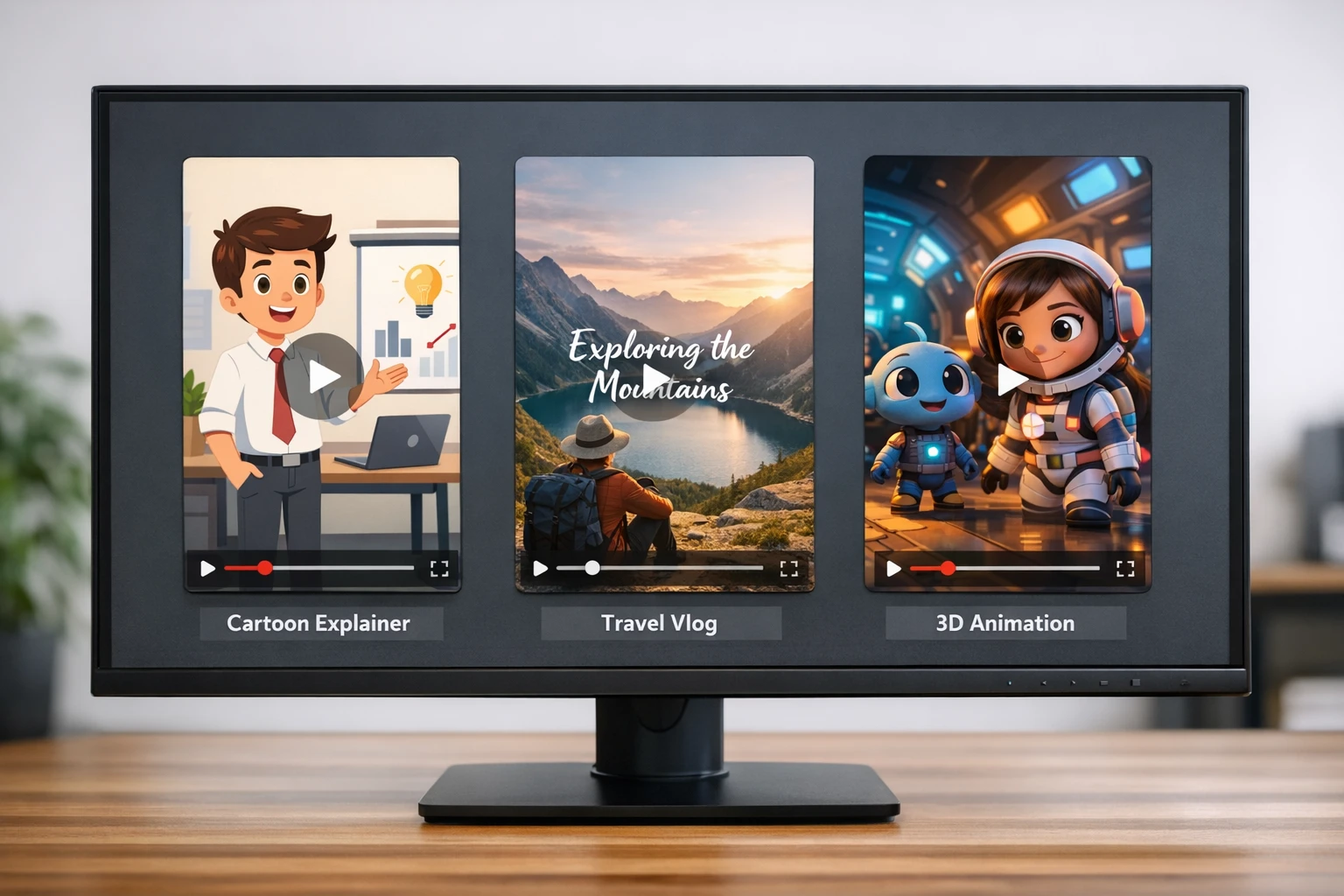
Three video styles, one simple text input. Pick the format that fits your content.
Write Better Text, Get Better Videos
The AI is only as good as the text you give it. Here are the tips that separate average videos from viral ones. These are the exact prompting strategies that top creators use to get the best possible results from AI video from text tools.
Hook First, Explain Later
Start your text with a hook that grabs attention in the first 2 seconds. "You're losing money every single day and don't even know it" works better than "In this video we will discuss financial planning." The AI will make your first line the opening of the video, so make it count. The hook decides whether someone keeps watching or swipes away.
Write Like You Talk
The AI turns your text into spoken voiceover. So write the way you speak, not the way you write essays. Short sentences. Conversational tone. Ask rhetorical questions. Use words like "you" and "your." If it sounds natural when you read it out loud, it will sound natural as a voiceover.
Break It Into Scenes
Each paragraph in your text becomes a scene in the video. So structure your text with clear breaks between ideas. Think of it like a storyboard in text form. Each new paragraph gets its own visual, so give each one a distinct point. This keeps the video visually dynamic and the viewer engaged.
End With a Call to Action
Always end your text with something you want the viewer to do. Follow. Subscribe. Visit your link. Comment their answer to a question. The AI will make your last line the closing moment of the video, so use it strategically. A strong CTA turns passive viewers into active followers.
Where Creators Use AI Video From Text
Every platform. Every niche. Every goal.
YouTube & YouTube Shorts
Build a faceless YouTube channel that earns ad revenue without you ever being on camera. Type your script, generate the video, and upload it to your channel. Many creators run multiple channels this way, each one earning money on autopilot. Check our YouTube AI guide for detailed strategies.
TikTok & Instagram Reels
Short-form content is king and text-to-video makes it effortless. Type a 30-second script, generate a vertical video, and post it. Do this 1-3 times per day and the algorithm starts pushing your content to thousands. Learn more in our TikTok automation guide.
Business & Marketing
Product demos, explainer videos, social media ads, customer testimonials. Type your marketing copy and get a professional video back in minutes. No agency needed, no $500 per video production costs. Small businesses are using this to compete with companies 10x their size on social media.
Education & Courses
Teachers, course creators, and coaches are turning their lesson plans into video lessons. Type your teaching material and the AI creates visual explanations that students actually want to watch. It is the fastest way to build a library of educational video content.
AI Video From Text Tools Compared
See how AutoClips stacks up against the alternatives
| Feature | AutoClips | SendShort AI | Vadoo AI | Pictory |
|---|---|---|---|---|
| Text/Script to Video | ||||
| Character Explainer Videos | ✗ | ✗ | ✗ | |
| 3D Animation from Text | ✗ | ✗ | ✗ | |
| Voice Cloning | ✗ | ✗ | ✗ | |
| Auto-Post to Social Media | ✗ | ✗ | ||
| Gaming Backgrounds | ✗ | ✗ | ✗ | |
| AI Image Generation | ✗ | Stock only | ||
| Article/Blog to Video | ✗ | |||
| Starting Price Per Video | ~$0.25 | ~$1.50 | ~$1.00 | ~$2.00 |
AutoClips is the only platform with Character Explainer, 3D Animation, and voice cloning built in. See our full pricing breakdown.
Why Creators Are Switching to AI Video From Text
Here's the reality that changed everything for content creators: the barrier to entry for video is gone. You used to need a camera, a microphone, editing software, lighting, and hours of free time. Now you need a keyboard and 3 minutes. That shift is why text-to-video is exploding right now.
Think about how many ideas you have that never become content. Blog posts that sit in drafts. Tweet threads that never get visual treatment. Product descriptions that could be video ads. Script ideas scribbled in your notes app at midnight. Every single one of those is a video waiting to be made, and with AI video from text, making it takes less time than writing the text itself.
The creators who are winning right now are the ones who post consistently. Not once a week. Not when they feel inspired. Every single day. And the only way to sustain that pace without burning out is to let AI do the heavy lifting. You bring the ideas. The AI brings the production. Together, you build an audience faster than either could alone.
And the best part? Nobody can tell the difference. AI voices sound natural. AI visuals look professional. AI-generated videos are getting millions of views on YouTube and TikTok right now, today, while you're reading this. The only question is whether you're going to be one of the creators making them.
The Cost of NOT Using AI Video From Text
Here is what you are spending (or losing) by doing it the old way
Making Videos Manually
- ✗2-4 hours per video (write, record, edit, export)
- ✗$50-$200 per video if you hire a freelancer
- ✗Creative burnout after 2-3 weeks
- ✗Inconsistent posting kills algorithm reach
With AutoClips Text-to-Video
- 2-3 minutes per video (type text, click generate)
- Starting at ~$0.25 per video
- Never run out of ideas (AI helps write scripts too)
- Post daily without breaking a sweat
$0.25
Per video (Character)
$0.50
Per video (Faceless)
$3.50
Per video (3D)
2-3 min
Generation time
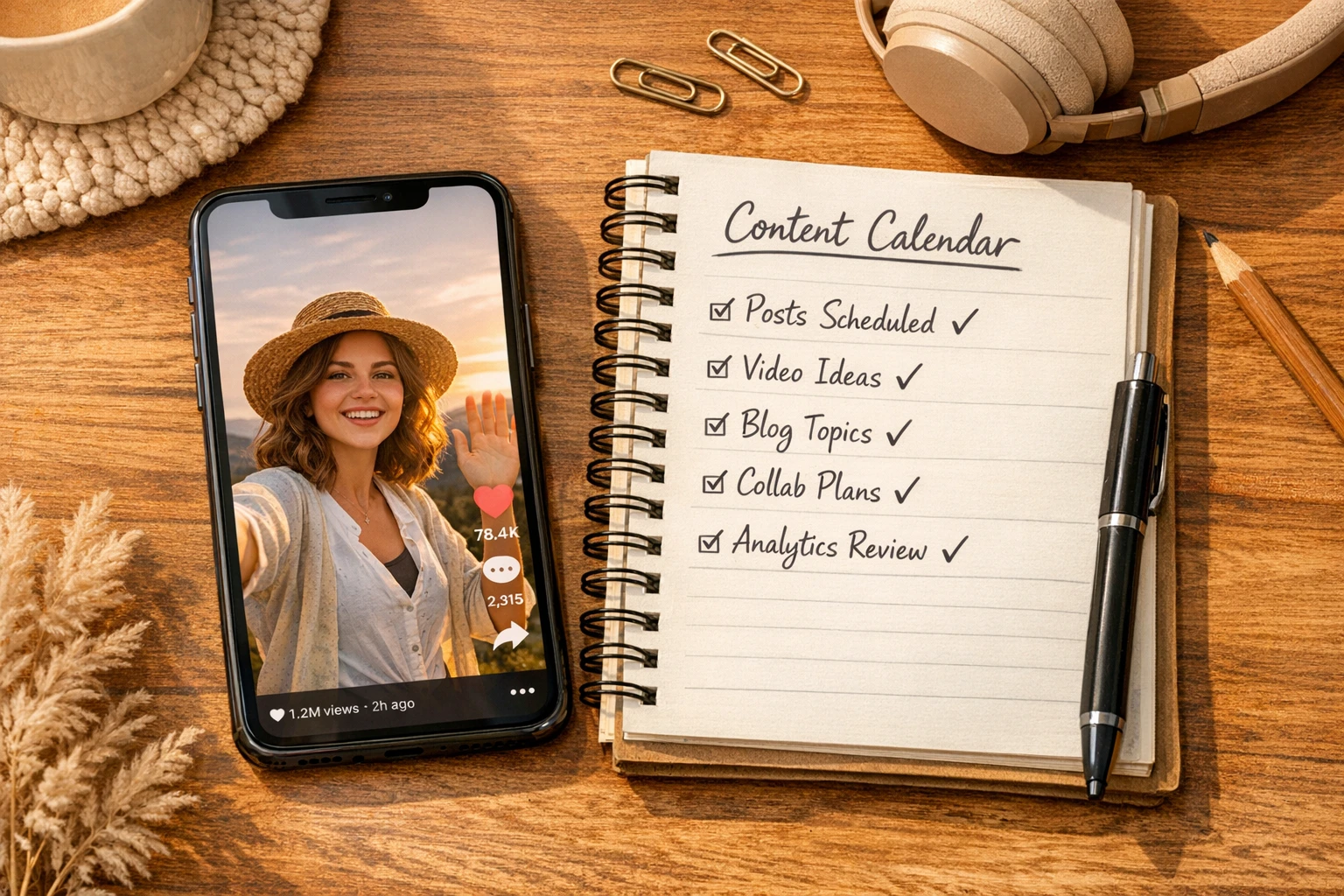
Real creators are growing real audiences with text-to-video AI every single day
Three Video Styles, Endless Possibilities
Every type of text works with every video style. Here's what each one looks like and when to use it.
Character Explainer
Your text becomes a cartoon character talking over satisfying gameplay footage. This is the format that goes viral on TikTok and YouTube Shorts. Type your script, pick a character voice (or clone your own), and the AI creates a video that looks like it came from a channel with millions of subscribers. This is the cheapest and fastest way to start.
Best for: Viral content, faceless channels, memes, stories, advice, facts
Faceless Video
Your text gets paired with AI-generated images, a professional voiceover, captions, music, and transitions. The result is a polished, educational-style video that works great for niches like finance, health, tech, and motivation. No face needed. No stock footage. Everything is created fresh for your specific content.
Best for: Educational content, niche channels, product videos, business content
3D Animation
Your text becomes a cinematic 3D animated video that looks like it cost thousands to produce. This is the premium option for creators and brands who want the highest possible production quality. Type your scene description and the AI generates stunning 3D visuals that stop the scroll and make people say "wait, how did they make this?"
Best for: Premium content, brand videos, cinematic storytelling, standing out
From Text to Content Empire (The Bigger Picture)
Here's what most people miss about AI video from text: it is not just a tool for making one video. It is the foundation of a content system. Think about it. You write one script and generate a Character Explainer video for TikTok. Then you use the same script for a Faceless Video on YouTube. Then you adjust the text slightly and make an Instagram Reel. One piece of text, three platforms, three different audiences.
Scale that to one video per day per platform and you are producing 90 pieces of content per month. In a year, that is over 1,000 videos across your channels. The compound effect of that kind of output is how faceless creators build audiences of hundreds of thousands of followers and generate real income from ad revenue, affiliate links, brand deals, and their own products.
And if you want to take it even further, pair your text-to-video workflow with full automation. Set it up once, and the AI creates and posts videos for you every single day without you lifting a finger. You bring the initial ideas. The machine handles everything else. For tips on growing with short-form content, the YouTube Creator Academy and the TikTok Creator Portal offer excellent free resources for building your strategy.
Frequently Asked Questions
Everything you need to know about AI video from text
Your Next Video Is One Sentence Away
Stop overthinking content creation. Stop spending hours editing. Stop letting great ideas die in your notes app. Just type what you want to say, choose a style, and let the AI build your video. Your first one is free and ready in minutes.
No credit card required • First video free • Ready in 2-3 minutes