Complete Guide to Faceless YouTube Automation
Learn how to build a semi-automated faceless YouTube empire. From AI video creation to scheduled publishing, this guide covers the complete workflow for scaling content with minimal time investment.
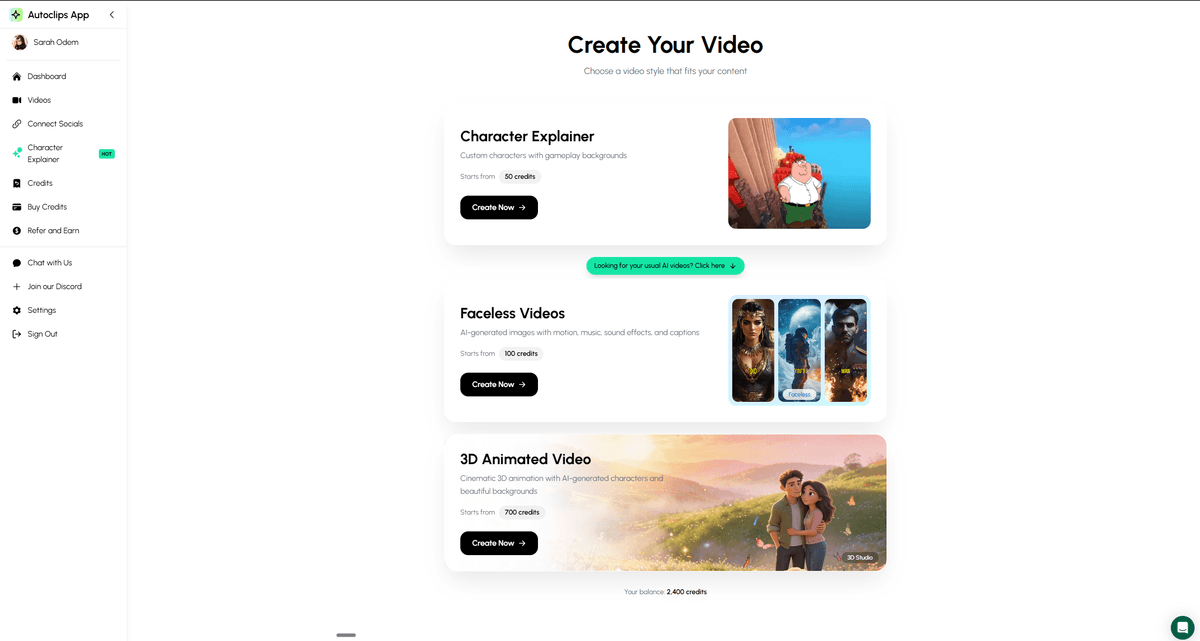
Automate your entire video creation workflow with AutoClips
What YouTube Automation Really Means
YouTube automation isn't about making zero-effort content. It's about using AI and tools to handle the time-consuming tasks so you can focus on strategy.
What You Used to Need
- ×Scriptwriter: $50-200 per script
- ×Voiceover artist: $50-150 per video
- ×Video editor: $100-500 per video
- ×Stock footage: $10-50 per video
Total: $200-900 per video
What You Need Now
- AutoClips: Handles script, voice, visuals, editing
- Your time: 15-30 min for topic selection & QC
- Canva: Quick thumbnail creation
- YouTube Studio: Scheduling & analytics
Total: $0.25-$3.50 per video
See Automated Content Creation
Watch how AutoClips creates faceless videos automatically
The YouTube Automation Tech Stack
Essential tools for running an automated faceless channel
AutoClips
Video creation
Handles: Scripts, voiceover, visuals, editing, captions
YouTube Studio
Publishing & analytics
Handles: Upload scheduling, performance tracking
Canva
Thumbnails
Handles: Create consistent, clickable thumbnails
TubeBuddy/VidIQ
SEO & optimization
Handles: Keywords, tags, competitor research
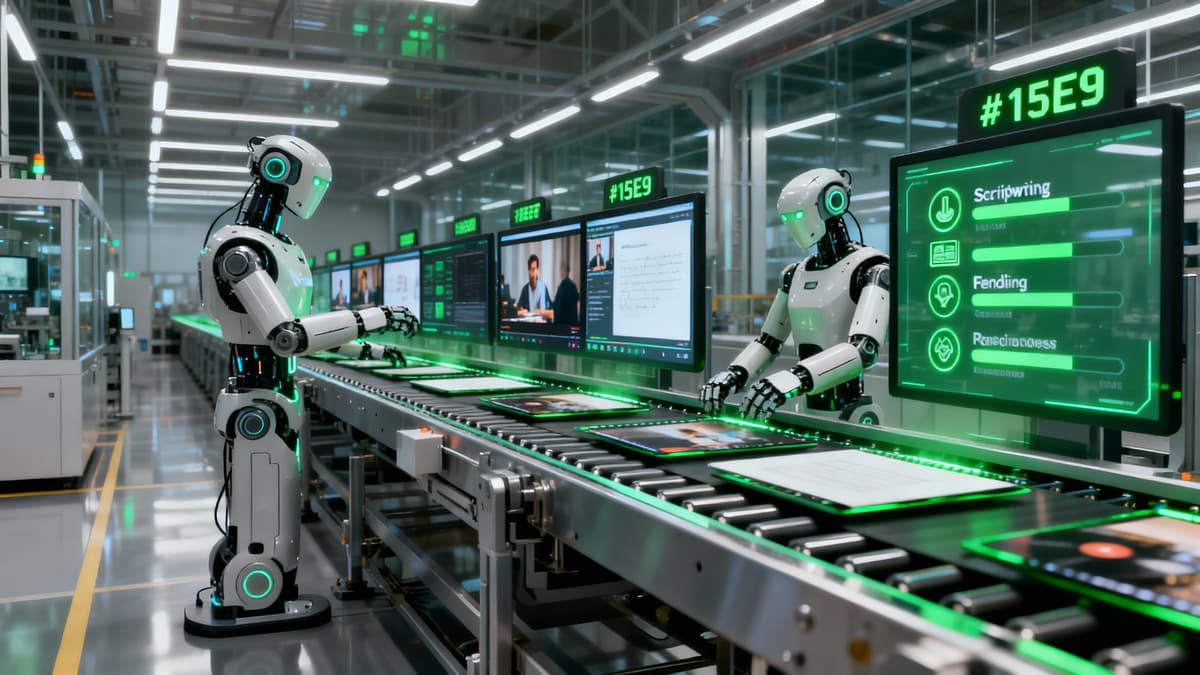
Automated workflow turns your ideas into published content with minimal effort
The Automated Content Workflow
Follow this system to produce content efficiently
Batch Topic Research (Weekly)
Spend 1-2 hours weekly finding 7-14 video topics. Use Reddit, Quora, YouTube comments, and trending tools. Create a content calendar so you're never stuck wondering what to make.
Topic Sources:
Batch Video Creation (2-3x Weekly)
Create multiple videos in one session. Open AutoClips, generate 3-5 videos using your pre-planned topics. This batching approach is more efficient than creating one video at a time.
Character Explainer
~$0.25/video
Faceless AI
~$0.50/video
3D Animation
~$3.50/video
Quality Control & Thumbnails
Review each video for quality. Make quick thumbnails in Canva using templates. Write optimized titles and descriptions. This takes 5-10 minutes per video.
Schedule Publishing
Use YouTube Studio's scheduler to publish videos at optimal times. Schedule a week's worth of content in advance. This ensures consistent posting even when you're busy.
Analyze & Optimize (Weekly)
Review analytics weekly. Identify which topics, hooks, and formats perform best. Double down on winners, drop losers. This feedback loop is crucial for growth.
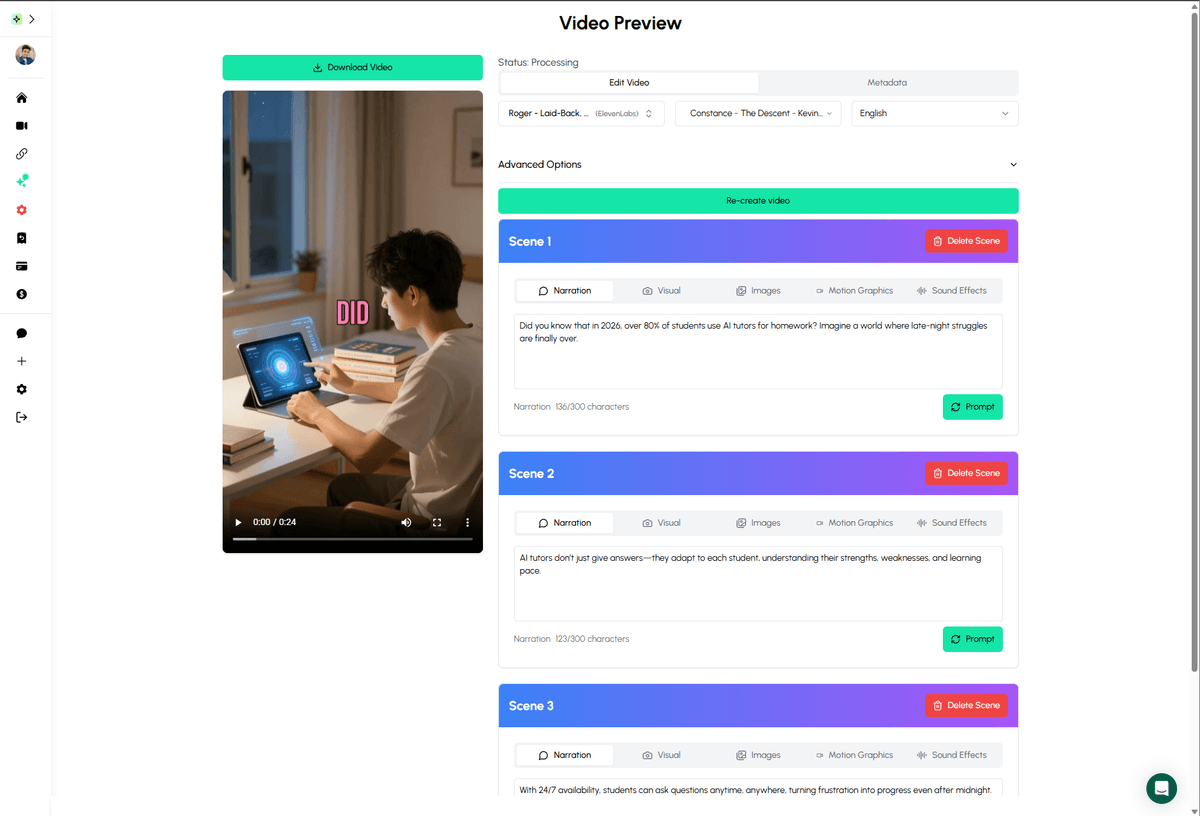
Full control over your automated videos with easy editing and regeneration
Realistic Time Investment
What it actually takes to run an automated channel
2-3 hrs
Weekly research
3-4 hrs
Video creation (7 videos)
1-2 hrs
QC & thumbnails
1 hr
Analytics & optimization
Total: ~8-10 hours/week for daily content
Compare to 40+ hours/week for traditional content creation
Scaling Your Automation
Once your first channel is profitable, here's how to scale
Multiple Channels
Once you've found a winning format, launch channels in related niches. Use the same workflow, different topics. Many creators run 3-5 channels.
Hire VAs
At scale, hire virtual assistants ($5-10/hr) for publishing, community management, and basic QC. You focus on strategy and content direction.
Cross-Platform
Repurpose content to TikTok, Instagram Reels, and Facebook. Same video, more platforms, more revenue. AutoClips creates platform-ready formats.
Automation Mistakes to Avoid
Quantity over quality
Posting 10 low-quality videos won't beat 2 great ones. Always review AI output and ensure value before publishing.
Ignoring analytics
Automation without optimization is waste. Check what works, double down on winners, cut losers.
No content differentiation
If your videos are identical to competitors, you won't grow. Add unique angles, opinions, or presentation styles.
Neglecting thumbnails and titles
AI can't make these decisions for you. 50% of video success is the click - invest time in titles and thumbnails.

Build a passive income machine with automated faceless content
Frequently Asked Questions
What is faceless YouTube automation?
Faceless YouTube automation is the process of creating and publishing YouTube content without showing your face, using AI tools and systems to automate as much of the workflow as possible - from script writing to video creation to publishing.
Is it possible to fully automate a YouTube channel?
You can automate about 90% of the process. AI tools like AutoClips handle script generation, video creation, voiceover, and editing. You still need to review content quality, optimize thumbnails/titles, and manage channel strategy.
How much can automated faceless channels earn?
Earnings vary by niche and effort. Channels earning $3K-$15K monthly are common among consistent creators. Some run multiple automated channels for combined earnings of $20K-$50K+ monthly.
Do I need to hire a team for YouTube automation?
Not anymore. AI tools have replaced most of the team needed. Previously you'd need scriptwriters, voiceover artists, video editors. Now AutoClips handles all of that. You might hire a VA for publishing/management at scale.
How many videos should I post with automation?
For fastest growth, post 1-3 videos daily. With automation, this is achievable. Start with 1 video per day and scale up as you find winning content formats. Consistency matters more than volume.
Can YouTube detect automated/AI content?
YouTube doesn't penalize AI-generated content as long as it provides value. Focus on quality, engagement, and avoiding spam. Many successful channels openly use AI tools for production efficiency.

Automation gives you time freedom while your content works for you