
What Does Zack D Films Use to Animate? The Real Tools (2026)
Zack D Films uses Blender. Its shorts are made by contract 3D animators, and a freelancer who made over 100 of them lists Blender as his main tool, with Cascadeur for character animation, BlenderKit for ready-made assets, After Effects for compositing and EmberGen for smoke and fire. Here is what each tool does, how the pipeline fits together, and how to get a similar look with AI if you don't want to learn 3D.
Quick answer
- Main software: Blender. The channel's job post says "Blender proficiency is a major plus", and a freelancer who made 100+ of its shorts calls Blender his workhorse.
- Other tools he lists: Cascadeur (physics-assisted character animation), BlenderKit (asset library), After Effects (compositing) and EmberGen (smoke, fire and water).
- Who makes them: a remote team of contract 3D animators, not one person and not an AI tool. Clips are 20 to 45 seconds, vertical.
- Without 3D skills, AI tools like 3D Animated Studio 2.0 in Autoclips make original videos in a similar style from a typed idea.
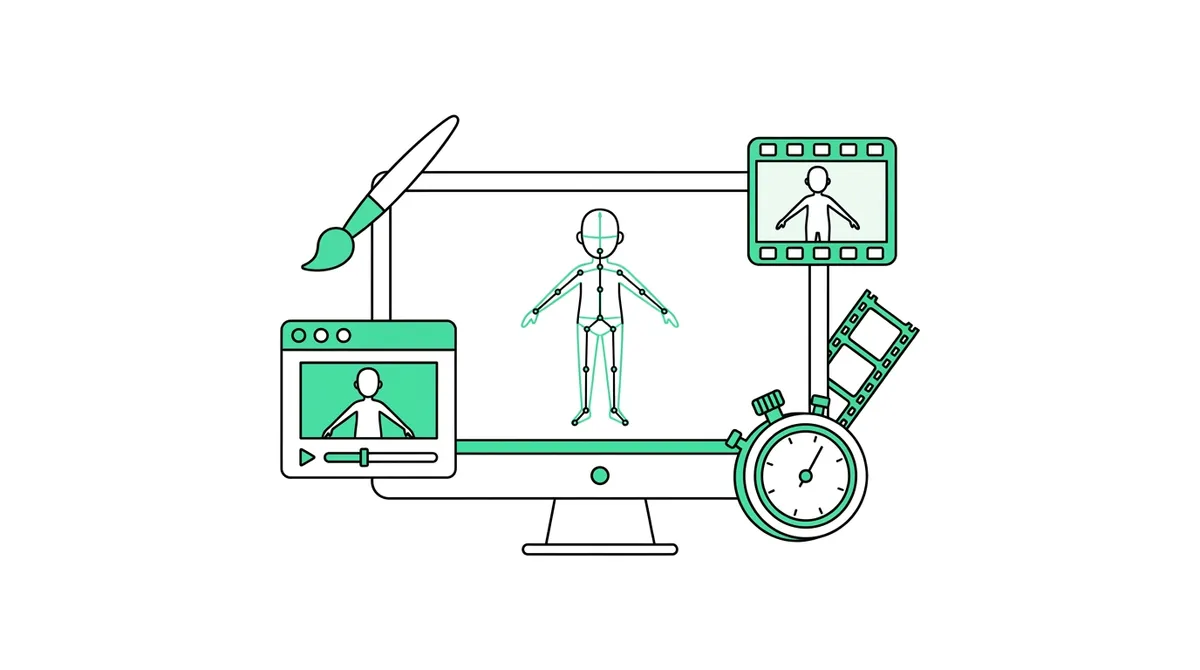
What Zack D Films uses to animate: the short answer
The channel has never published a full list of its software, so the best evidence comes from two public sources: the channel's own job post for contract 3D animators, and the portfolio of Chris Reilly, a freelance animator who says he has developed over 100 short films for the channel.
| Tool | What it is used for | Source |
|---|---|---|
| Blender | Modelling, rigging, animation, lighting and rendering. The main tool. | Job post ("a major plus") and the freelancer ("my workhorse") |
| Cascadeur | Character animation helped by a physics engine, so falls and jumps look real | Freelancer's portfolio |
| BlenderKit | A library of ready-made models and materials inside Blender | Freelancer's portfolio |
| After Effects | Compositing and finishing the shots | Freelancer's portfolio |
| EmberGen | Smoke, fire and explosion effects | Freelancer's portfolio |
| Flamenco | Blender Studio's render manager, to send frames to a render farm | Freelancer's portfolio |
How a Zack D Films short gets made
Put together, the public sources describe a small production line rather than one person animating alone:
- A producer picks the topic. Each short answers one historical, scientific or medical question. The job post says animators "collaborate with our producers".
- An animator starts from templates. The freelancer says his workflow "always starts with a variety of templates" for the base 3D file, compositing and editing. That is how a channel keeps one look across hundreds of videos.
- Characters are animated in Blender, with Cascadeur for physics-heavy moves and motion capture data where it fits.
- Effects and simulations like smoke, water and fluids are added, using EmberGen and Blender's own simulation tools.
- Frames render on a farm through Flamenco, then the shots are composited in After Effects.
- The short is delivered as 20 to 45 seconds of 9:16 video, fast. The job post says if the test project takes longer than a day at a high standard, the role may not be a fit.
Does Zack D Films use AI?
Neither the job post nor the freelancer's portfolio mentions AI tools. Both describe hand-made 3D animation by professional artists, and the job post says plainly that it is not an entry-level role. Many "Zack D Films style" videos you see from other channels are made with AI, which is a different thing: same kind of format, different way of making it.
Can you get a similar look without Blender?
Learning Blender to this level takes months or years. If your goal is a channel rather than a 3D career, an AI tool can make original 3D animated shorts in a similar style. In Autoclips, 3D Animated Studio 2.0 does the jobs the pipeline above does by hand:
| Job in the hand-made pipeline | What Studio 2.0 does instead |
|---|---|
| Producer writes the topic and script | You type the question; Studio writes the script, with web research if you switch it on |
| Model and rig the character | Studio draws each character and a character sheet so they look the same in every shot |
| Animate, light and render each shot | Each scene becomes an animated clip with sound |
| Composite and edit | Clips are joined into one video; you can redo one clip without redoing the rest |
| Title, description, thumbnail | Written for YouTube, TikTok and Instagram, and you can post from the app |
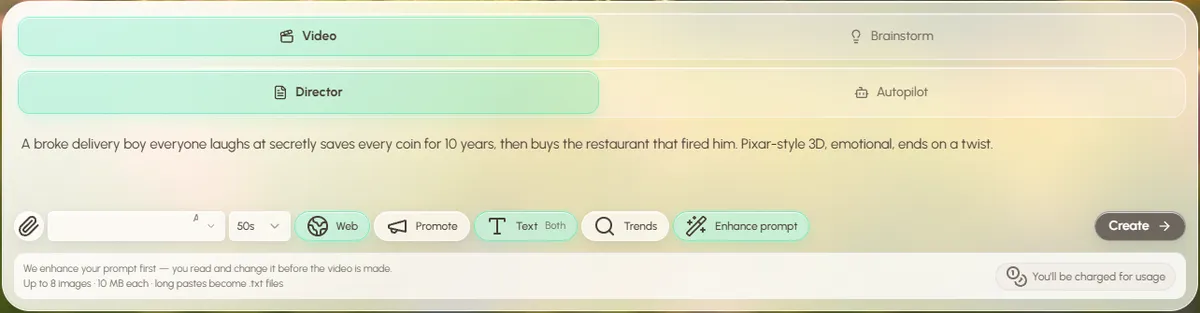
Open a finished sample film in Studio and click through every step. Samples are free and nothing is charged.
Open 3D Animated Studio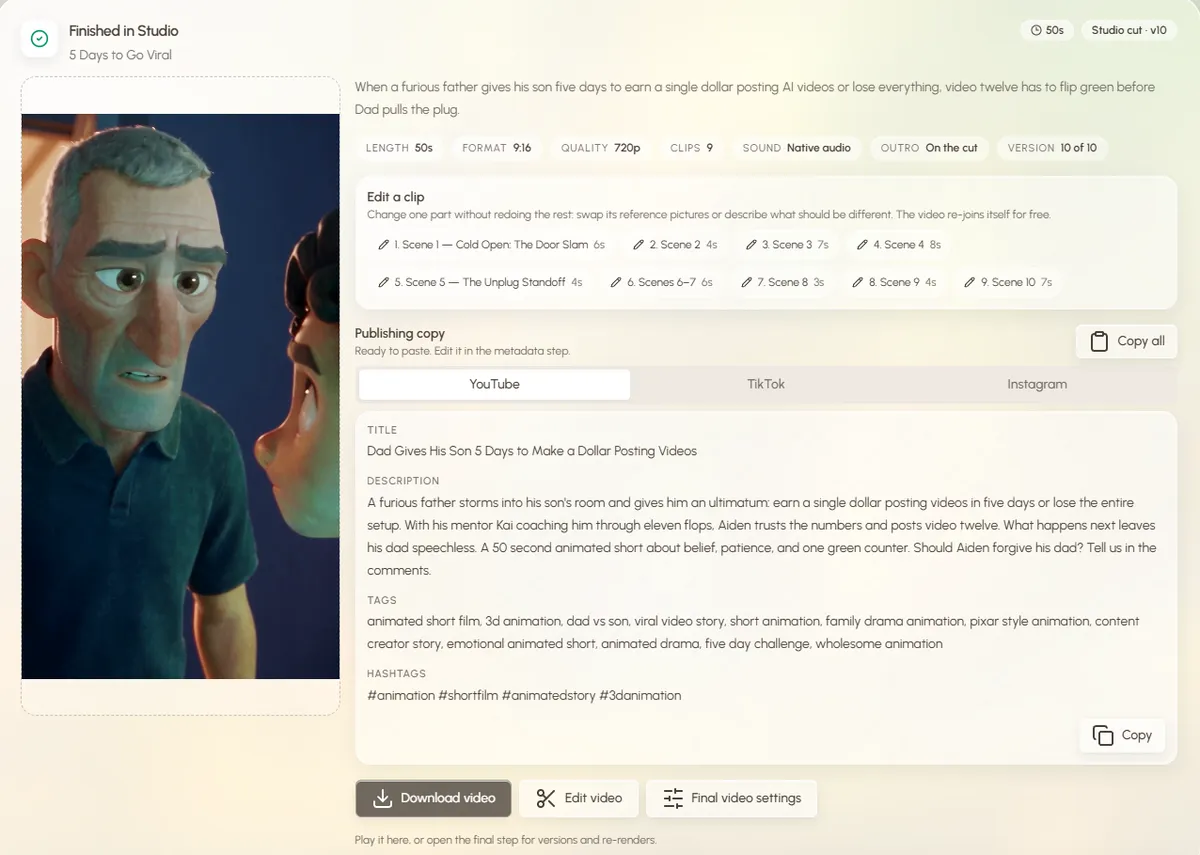
The full walkthrough is in how to make Zack D Films animation with AI. If you'd rather see what the tool can do first, the Zack D Films style video generator and the AI 3D animation generator page show examples. Autoclips is not linked to Zack D Films; it makes original videos in a similar style.
Made with Autoclips
Real videos people made in the app. Tap one to watch it with sound.
Frequently asked questions
What software does Zack D Films use?
Mainly Blender. The channel's job post lists Blender proficiency as a major plus, and a freelancer who made over 100 of its shorts names Blender, Cascadeur, BlenderKit, After Effects and EmberGen, with Flamenco to manage rendering.
Does Zack D Films use AI to make videos?
Public sources don't mention AI. The channel hires professional contract 3D animators and the work they describe is hand-made 3D. Other channels make similar-looking videos with AI tools.
Who animates Zack D Films?
A remote team of contract 3D animators from around the world, working with the channel's producers. The job post welcomes solo freelancers, studios and collectives, and pays a flat rate per project.
How long does a Zack D Films short take to animate?
The channel doesn't publish a number. Its job post says most experienced artists finish the test project in a couple of hours, and that taking more than a day at a high standard may mean the role isn't a fit, so turnaround is fast and template-driven.
Is Blender free?
Yes. Blender is free and open source on Windows, Mac and Linux. Getting to the quality of these shorts still takes a lot of practice.
What is the easiest way to make videos like Zack D Films?
Use an AI tool that writes the script, keeps one character consistent and animates short vertical clips. In Autoclips 3D Animated Studio 2.0 you type the question and check each step. Make original videos, not copies of the channel's.
Get the 3D look without learning Blender
Type a question, check the script and characters, and Studio animates a vertical 3D short for you.
Try the AI wayAyaz Alam · Founder of Autoclips
Ayaz builds Autoclips and makes the tutorials on its YouTube channel. Every step in these guides is tested in the app before it is published.