
How to Make Stickman Animation on Mobile (Android and iPhone)
To make stickman animation on mobile, install Stick Nodes (Android or iPhone), pose your stick figure on each key frame, let the app fill in the motion between them, and export. If you want a finished video with a voice and captions instead of animating by hand, Autoclips Stickman does that from one line of text in your phone's browser.
Quick answer
- By hand: Stick Nodes (Android, iPhone) is the go-to stickman animation app. Pose the figure on key frames and it fills in the in-between motion. Free version exports GIFs with a watermark; Pro adds MP4.
- Hand-drawn look: FlipaClip lets you draw each frame with onion skin. Free with ads and a watermark; Plus removes them.
- Finished video with AI: open app.autoclips.app/stickman in your phone's browser, type one line, pick voice and look, and get a voiced, captioned 9:16 video. Paid plans, credits per video.
- Animate vertical (9:16) from the start if it's for Shorts, TikTok or Reels.
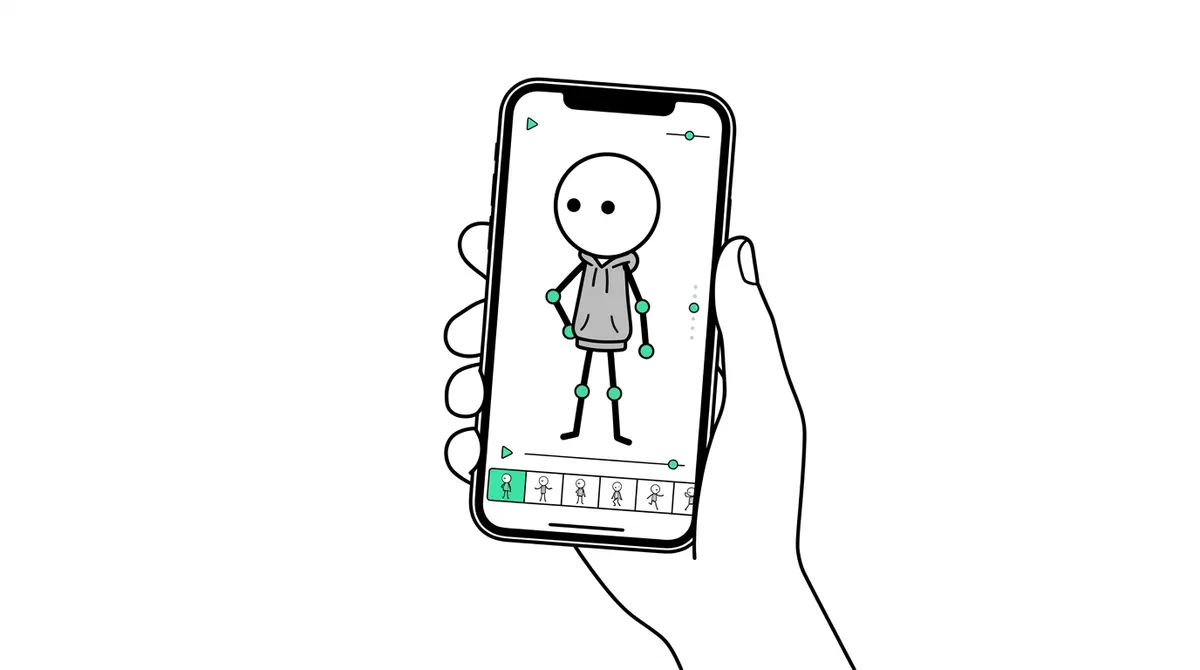
Which stick figure animation app should you use?
| App | Phones | How it works | Free version |
|---|---|---|---|
| Stick Nodes | Android, iPhone | Rigged stick figures you pose; motion between poses is filled in | Yes, GIF export with watermark. Pro is a one-time purchase |
| FlipaClip | Android, iPhone, tablets | Draw every frame by hand, onion skin shows the last one | Yes, with ads and a watermark. Plus is a subscription |
| Autoclips Stickman | Any phone browser | Type one line; script, voice, scenes, motion and captions are made for you | Free to sign up; videos need a paid plan and credits |
Pick Stick Nodes if you want to animate a stick figure yourself, FlipaClip if you like drawing, and Autoclips if you want narrated story videos for a channel without animating anything. The stickman animation maker guide compares more tools, including PC ones.
How to make stickman animation on mobile with Stick Nodes
- 1
Install Stick Nodes and start a project
Get Stick Nodes from Google Play or the App Store and start a new animation. If it's for Shorts, TikTok or Reels, set the canvas to a vertical size before you add anything.
- 2
Add a stick figure and make the first pose
Add a stick figure from the library. Drag its joints to make the starting pose, for example standing with arms down. This is your first key frame.
- 3
Add key frames, not every frame
Add a new frame and move the figure to the next important pose: the top of a jump, the end of a punch, the moment of a fall. Leave a few empty frames between key poses.
Let the app fill in the motion between them (tweening). This is what makes phone animation fast: you set maybe 4 poses for a one-second action instead of drawing 24 frames.
- 4
Play it back and fix the timing
Press play. If the action is too fast, add frames between the poses; too slow, remove some. Exaggerate: stick figures have no faces, so the body has to tell the viewer everything.
- 5
Export and add voice and captions
Export the animation (the free version gives a watermarked GIF; Pro exports MP4). Then open it in a phone video editor, add your recorded voice, music and captions, and export at 1080 x 1920.
How to make a stickman video on your phone with AI
Hand animation on a phone is fun for short clips. For a 60 to 90 second narrated story, the kind that does well on Shorts and TikTok, you'd also need a script, a voice, backgrounds and captions. That is where an AI maker saves the evening.
- Open app.autoclips.app/stickman in your phone's browser and sign in. There is nothing to install.
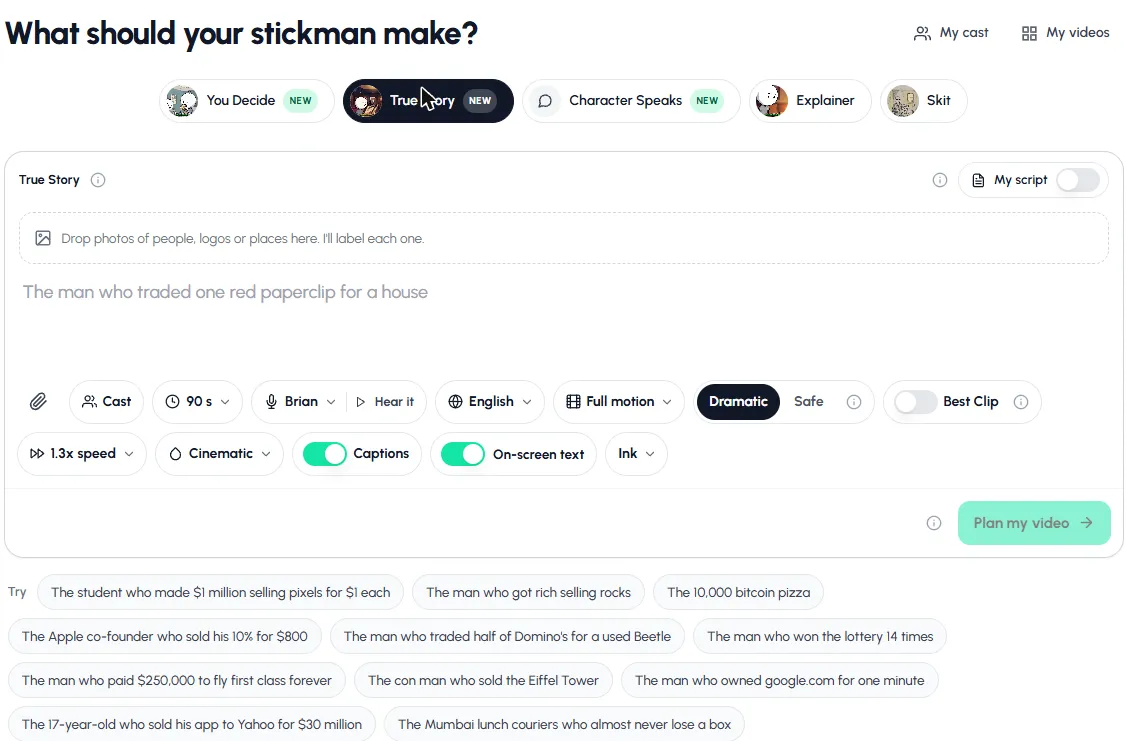
- Pick a mode: You Decide, True Story, Character Speaks, Explainer or Skit.
- Type one line, like "The Mumbai lunch couriers who almost never lose a box", or tap a suggestion.
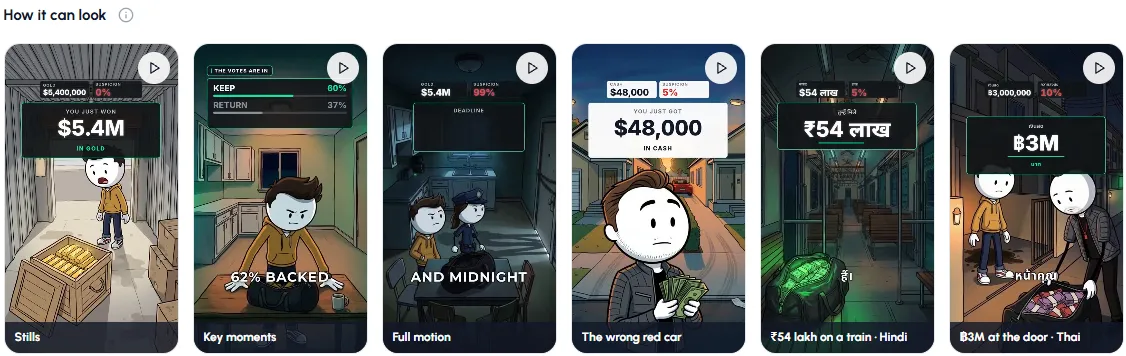
- Pick the length, voice, language, how much it moves (Stills, Key moments or Full motion) and a look.
- Tap Plan my video, read the plan, then make it. You can lock your phone; it keeps going.
- Download it to your camera roll, or post it to YouTube, TikTok or Instagram from the app.
Try it from your phone now: pick a suggested story and see the plan.
Open StickmanThe same steps are explained with every setting in how to make stickman animation with AI. Want to post without opening the app each day? See stickman videos for TikTok and Shorts.
Common mistakes on mobile
- Animating in landscape and cropping later. You lose the edges of every pose.
- Drawing every frame when the app can fill in the motion. Set key poses and let it tween.
- No sound. A silent animation loses people fast. Add a voice or at least sound effects and music.
- Forgetting the watermark. Free app exports carry one; decide early whether that matters for your channel.
Made with Autoclips
Real videos people made in the app. Tap one to watch it with sound.
Frequently asked questions
What is the best app to make stickman animation on Android?
Stick Nodes is the most popular stick figure animation app on Android: you pose rigged figures and it fills in the motion. FlipaClip is the pick if you'd rather draw each frame. Both have free versions.
How do I make stickman animation on iPhone?
Stick Nodes and FlipaClip are both on the App Store and work the same as on Android. For a finished, voiced video, open Autoclips Stickman in Safari; nothing needs installing.
Can I make stickman animation on mobile for free?
Yes. The free versions of Stick Nodes and FlipaClip are enough to animate and export, with a watermark. Autoclips is free to sign up, but making Stickman videos needs a paid plan and credits. More in how to make stickman videos for free.
How do I add a voice to a stickman animation on my phone?
Record the voice in your phone's recorder, then put it and the exported animation together in a phone video editor. In Autoclips the voice is built in, in many languages.
Can I make long stickman videos on a phone?
By hand, long animations get heavy on a phone, so most people work in short scenes and join them in an editor. Autoclips Stickman videos are 30 to 120 seconds each, and longer stories are made as parts.
A full stickman video from your phone
Type one line in your browser. Autoclips writes, voices and animates it, ready to post.
Open Stickman on your phoneAyaz Alam · Founder of Autoclips
Ayaz builds Autoclips and makes the tutorials on its YouTube channel. Every step in these guides is tested in the app before it is published.